
How it works
From “let’s play tambola” to first number called, in minutes.
One host runs the game on a big screen. Everyone else plays on their own phone — no app, no login, just a name. The server handles tickets, calls and win checks so you can enjoy the room.
For hosts
Run the game in six steps
- Step 1 of 6
Sign up and verify your email
Create a host account with email and password or with Google, then verify your email. Games with up to 5 players are free, so you can try a full game straight away.
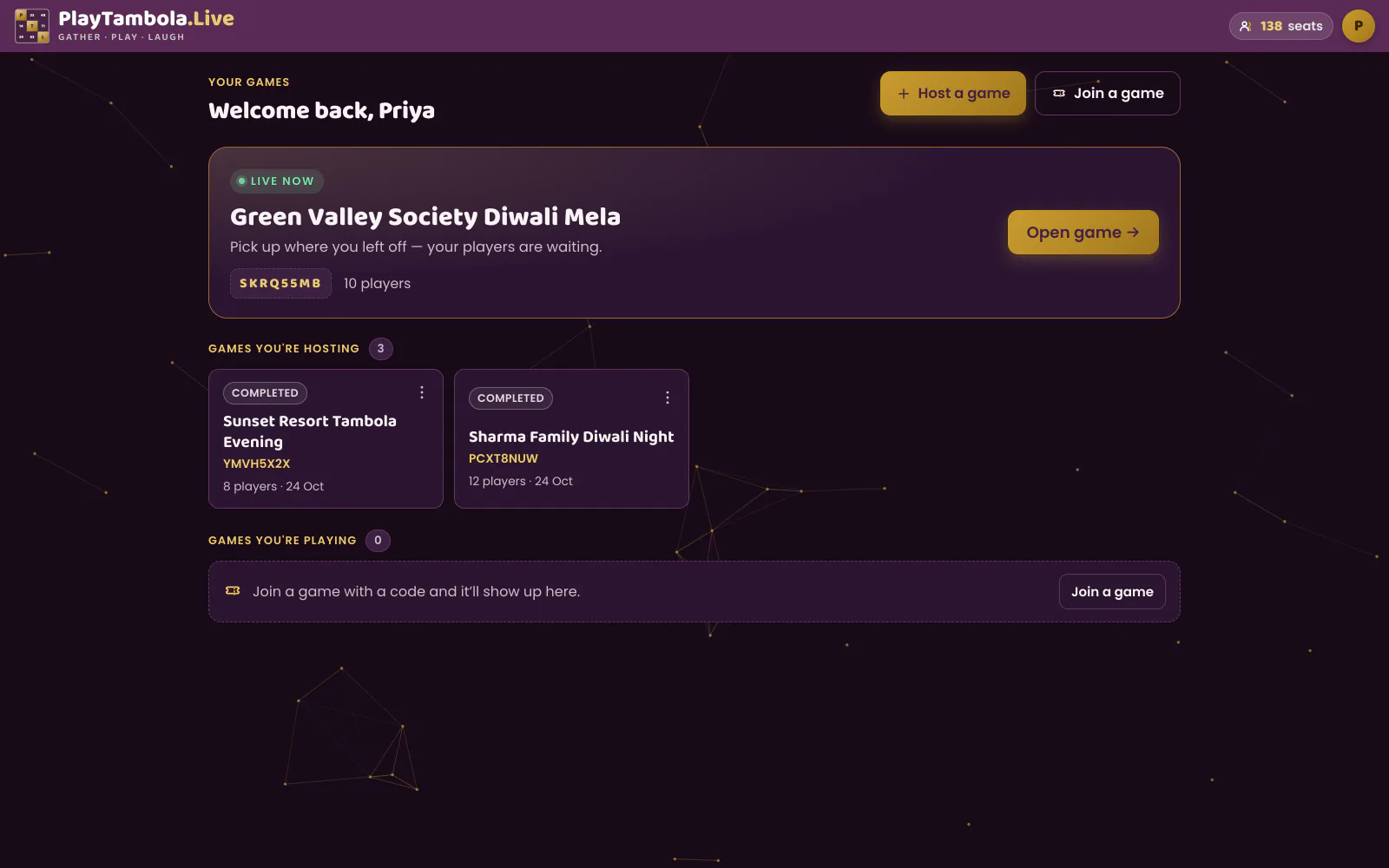
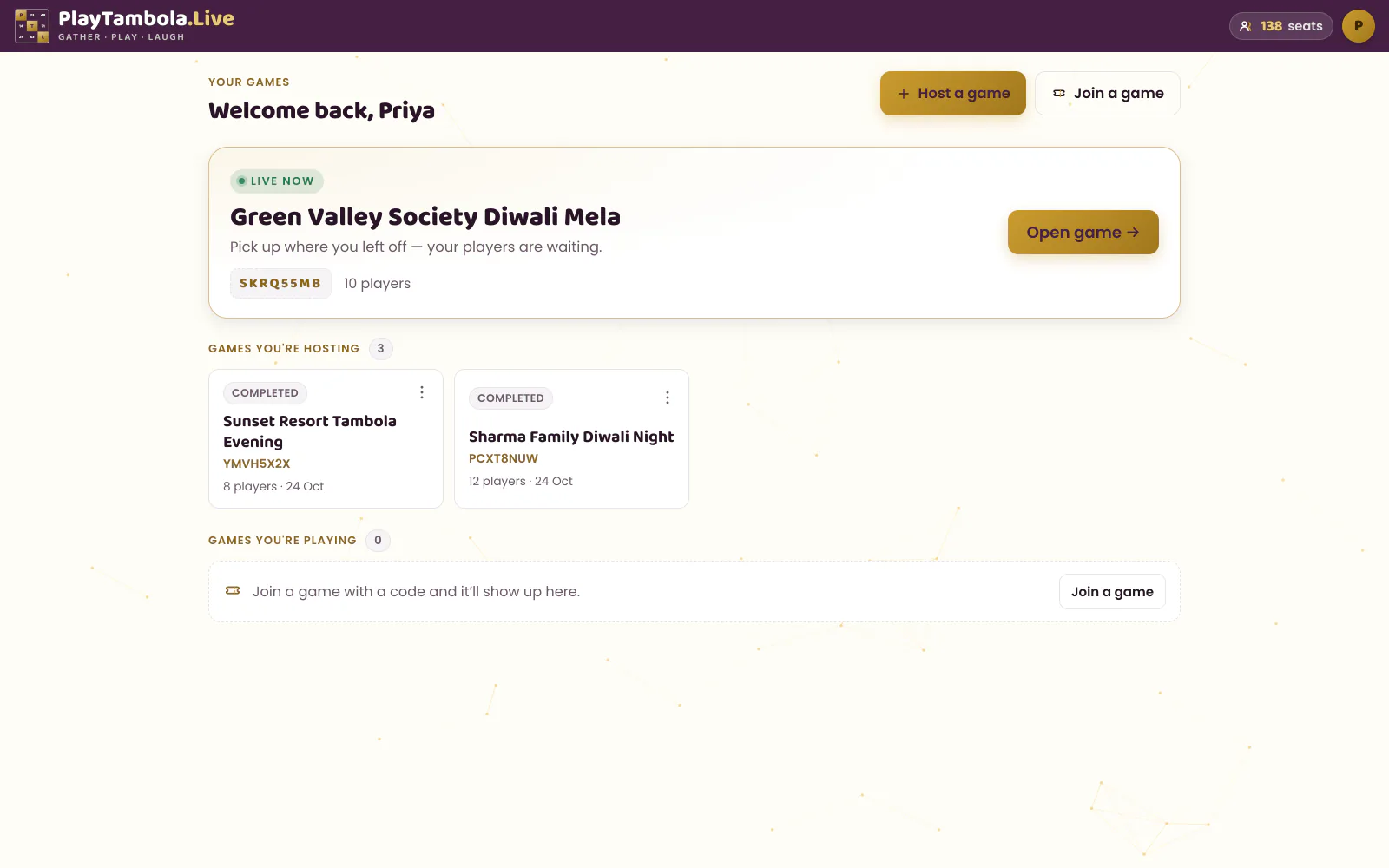
- Step 2 of 6
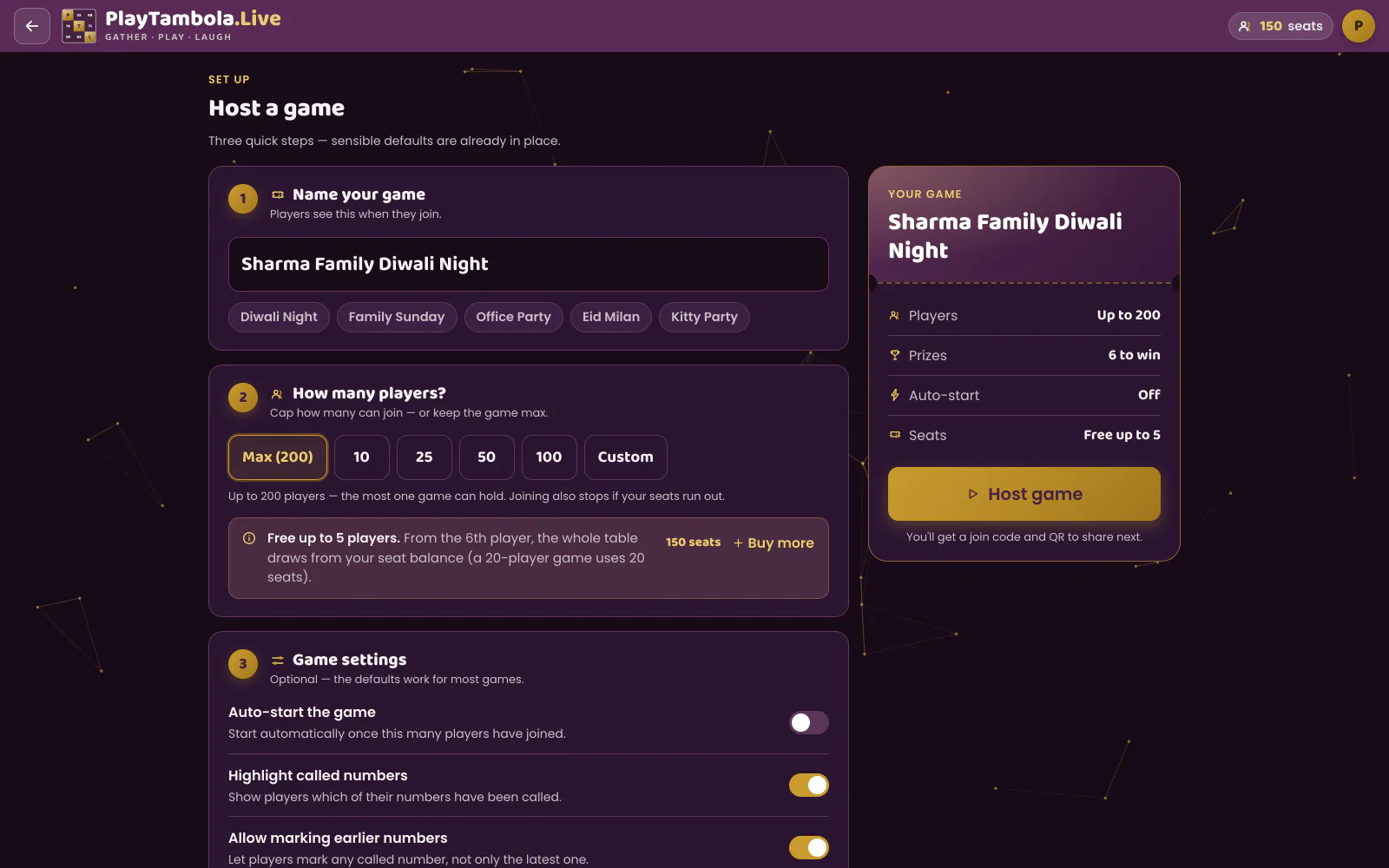
Create your game
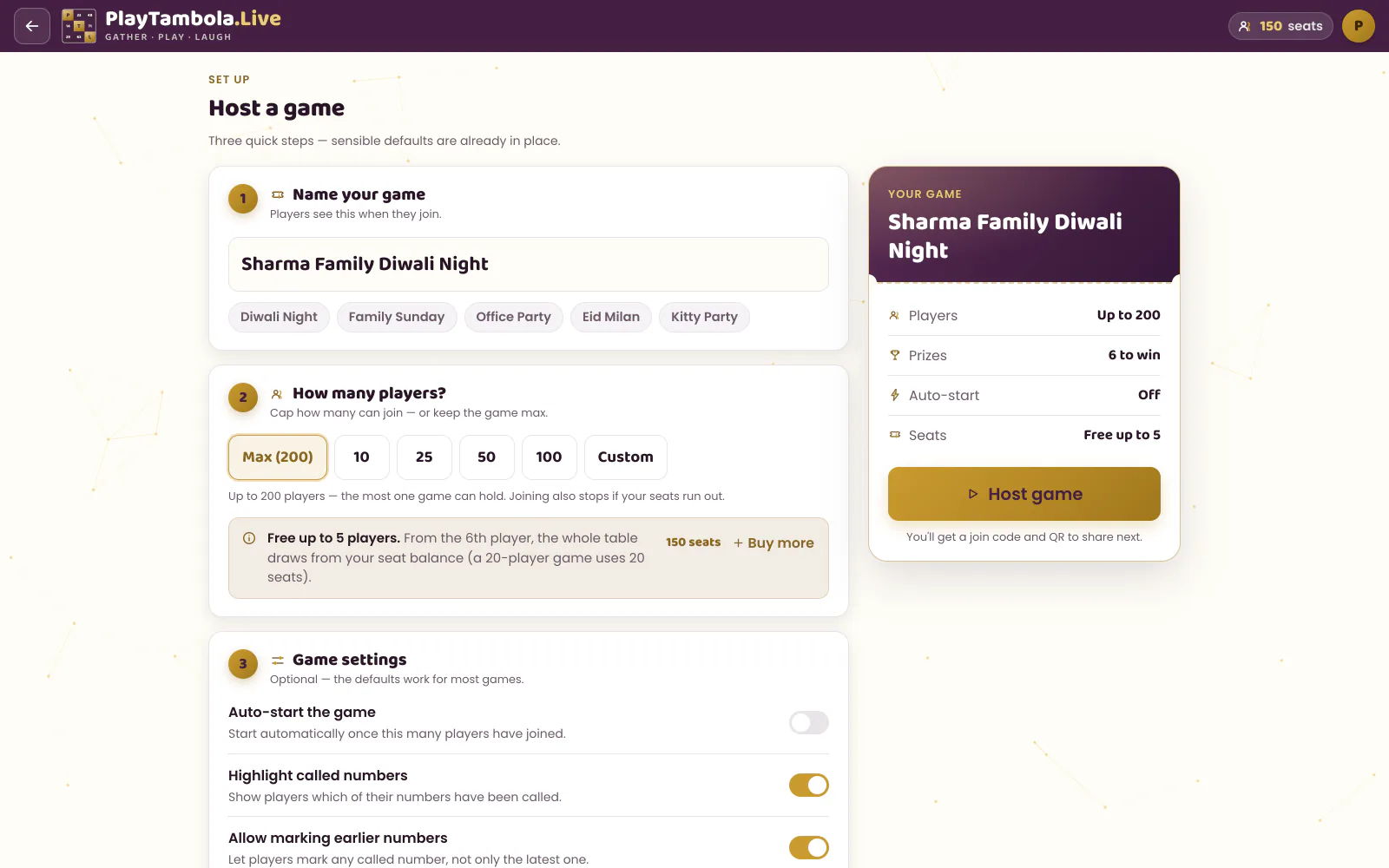
Choose which of the 8 prizes are in play and how many times each can be won. Set a maximum capacity — 10, 25, 50, 100, a custom number, or up to 200 players. Optionally auto-start when enough players join, highlight called numbers, or let players mark earlier numbers.
- Step 3 of 6
Put the lobby on the big screen
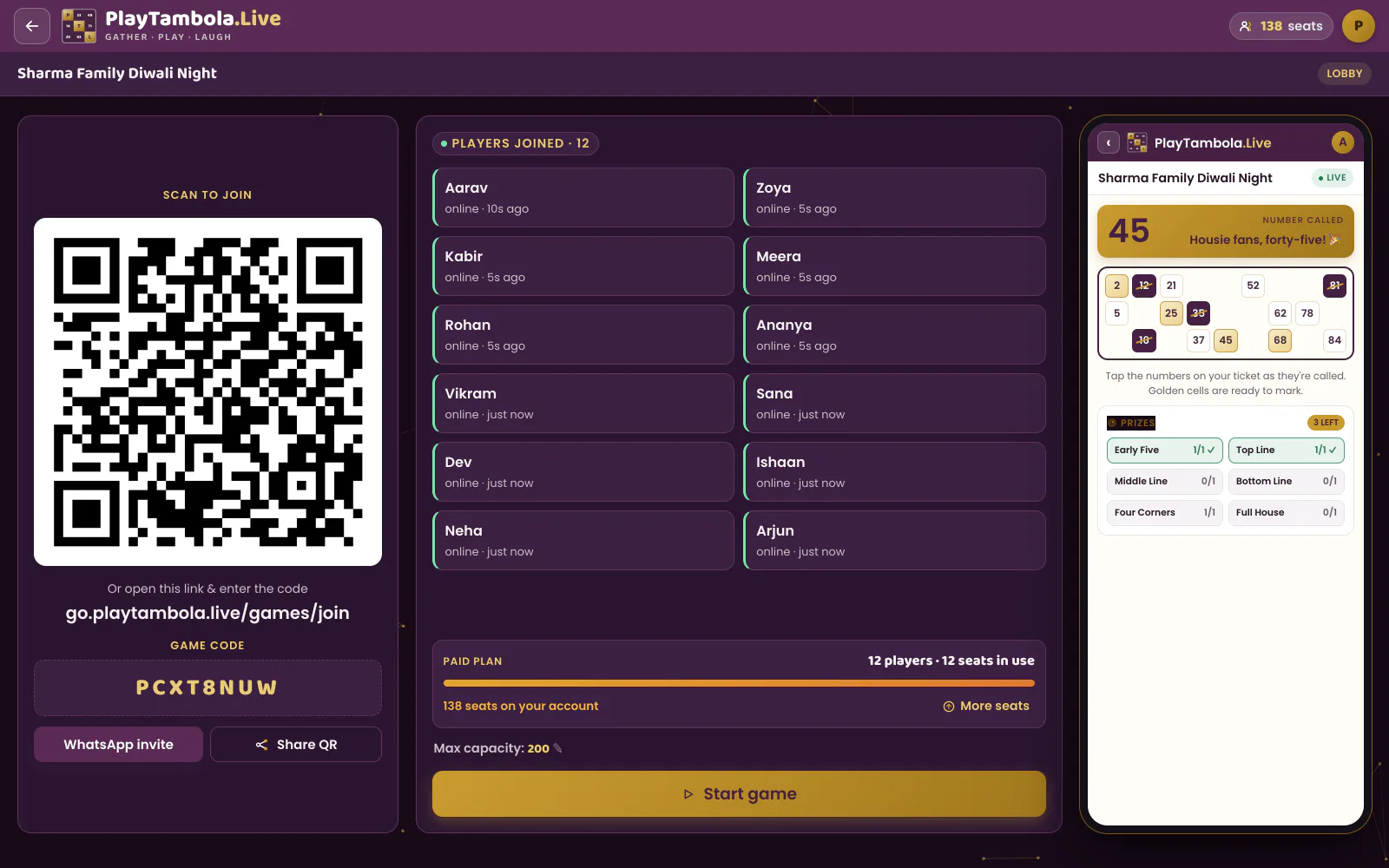
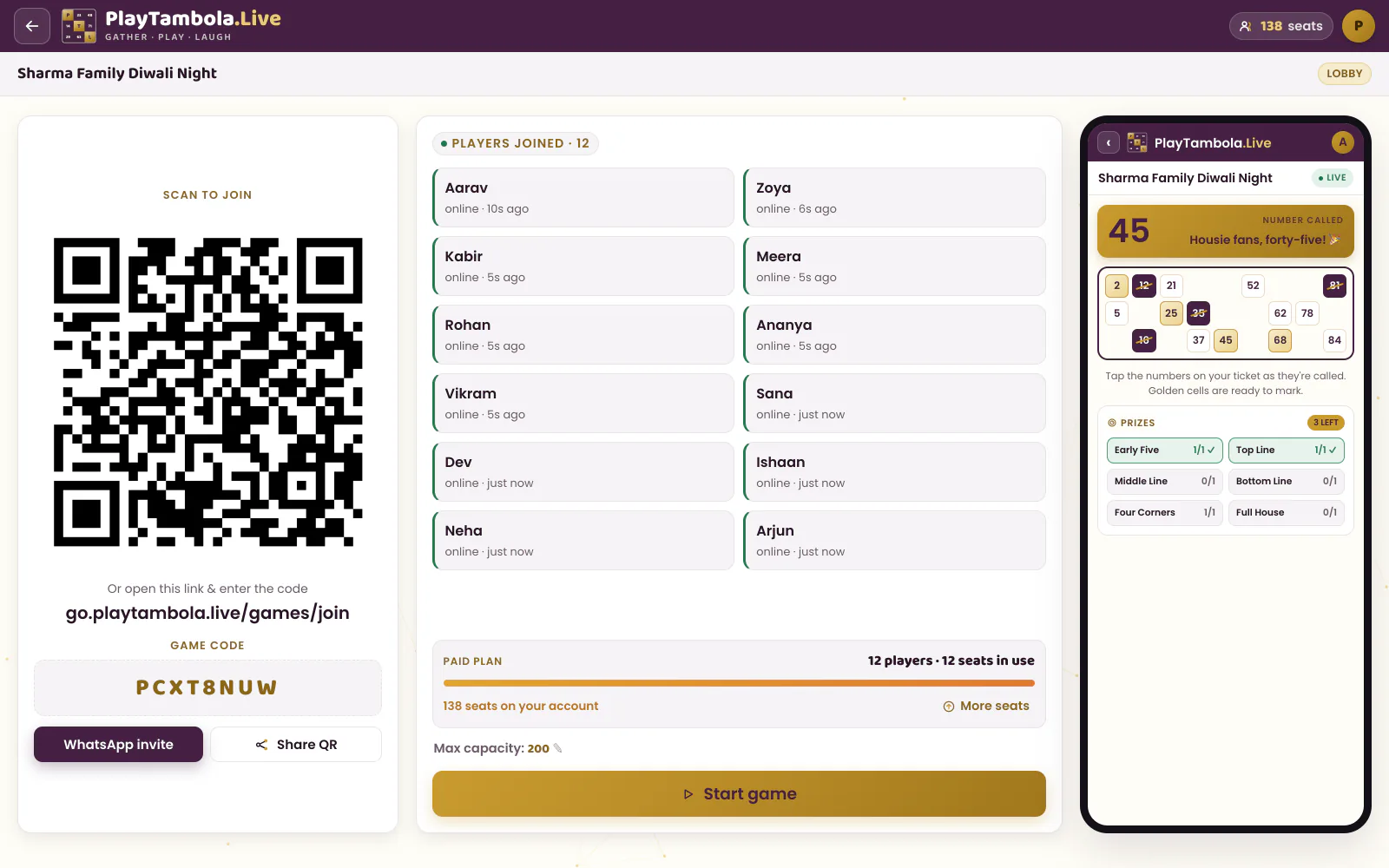
Open the game on your TV, projector or laptop. The lobby shows a QR code and a game code; players appear on screen as they join.
- Step 4 of 6
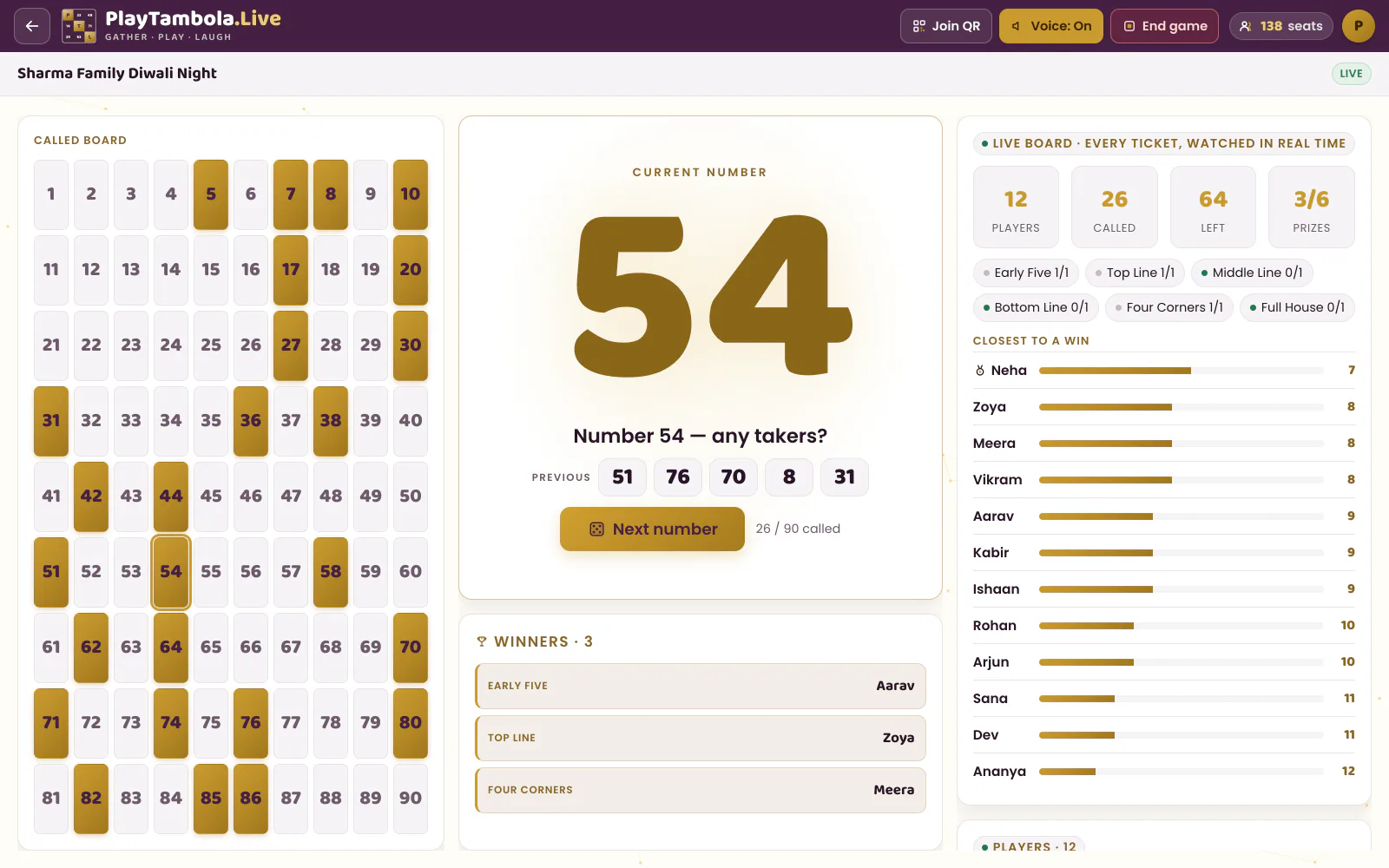
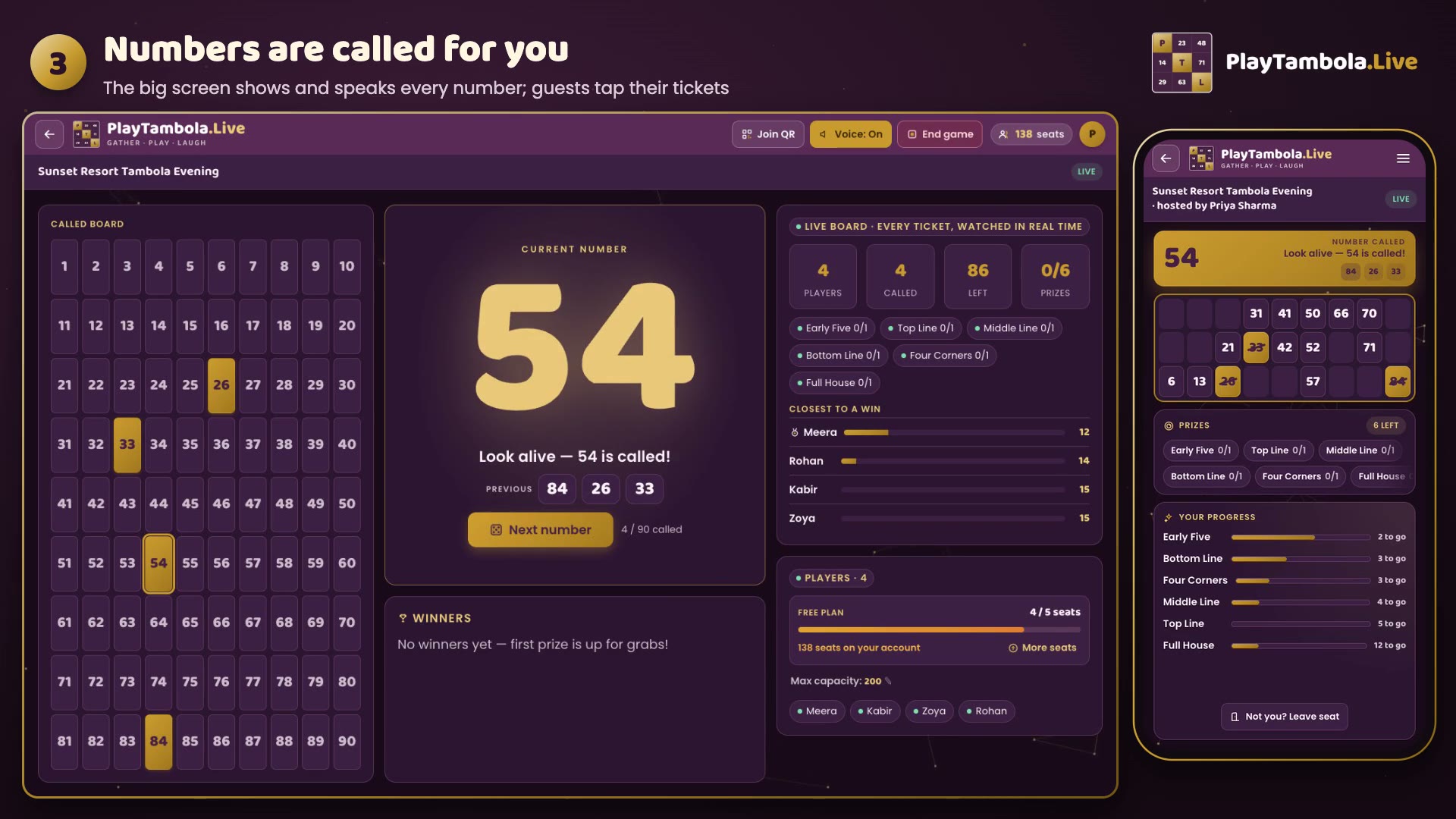
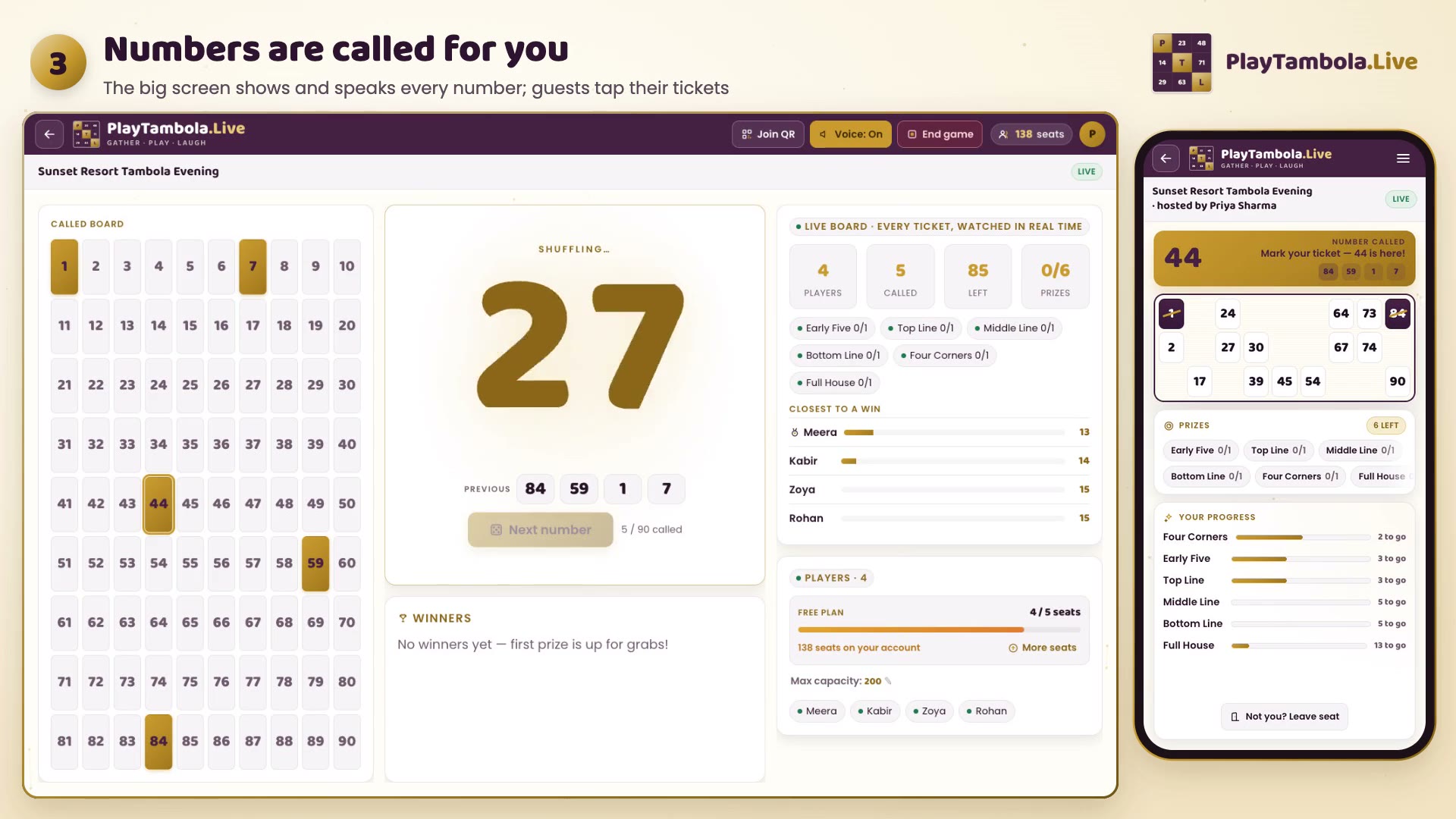
Start calling
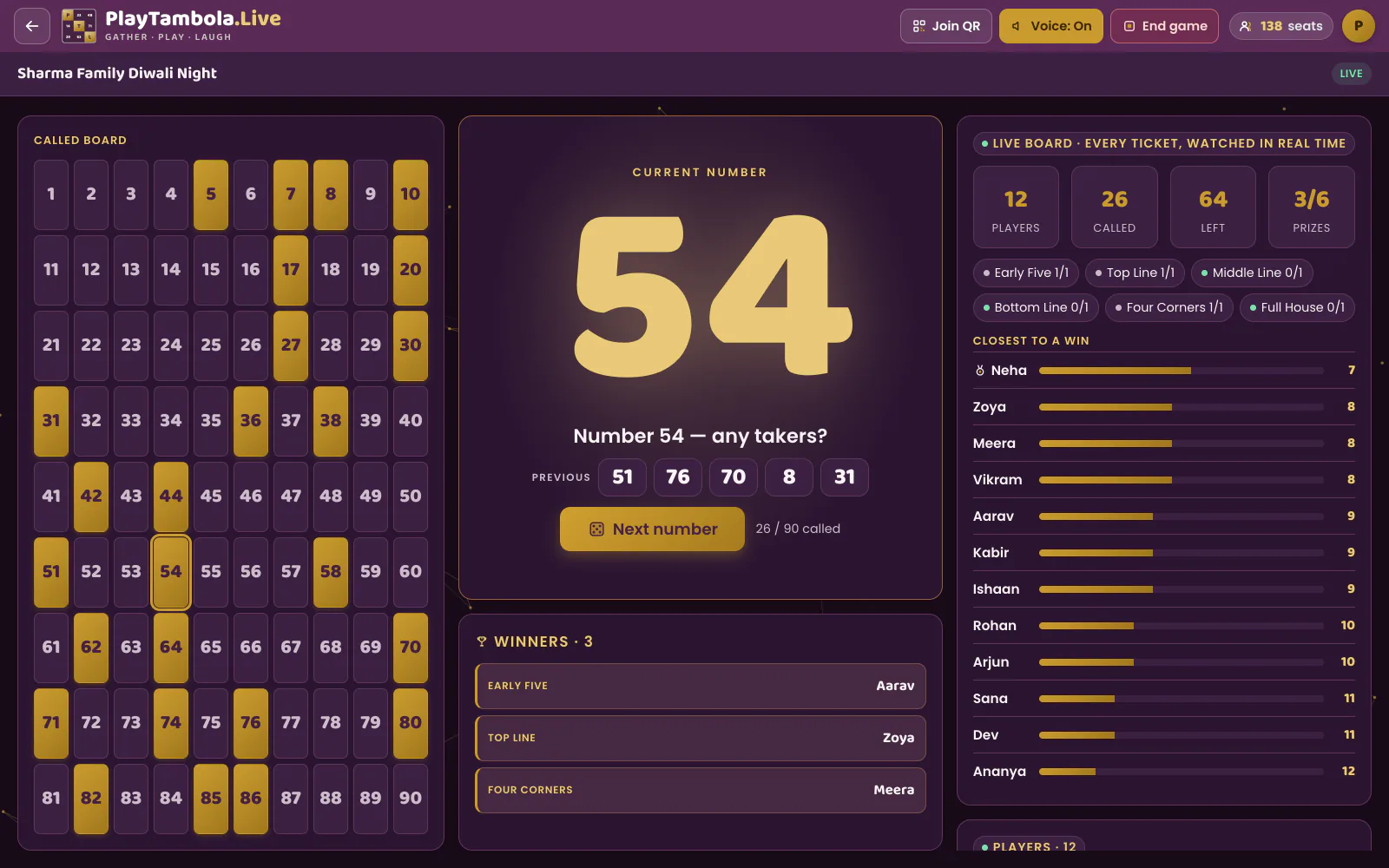
The server picks every number at random from 1 to 90, so everyone sees the same call. The big screen animates it, shows it huge and speaks it aloud with a witty caller line. A live tension meter shows how many players need just one number.
- Step 5 of 6
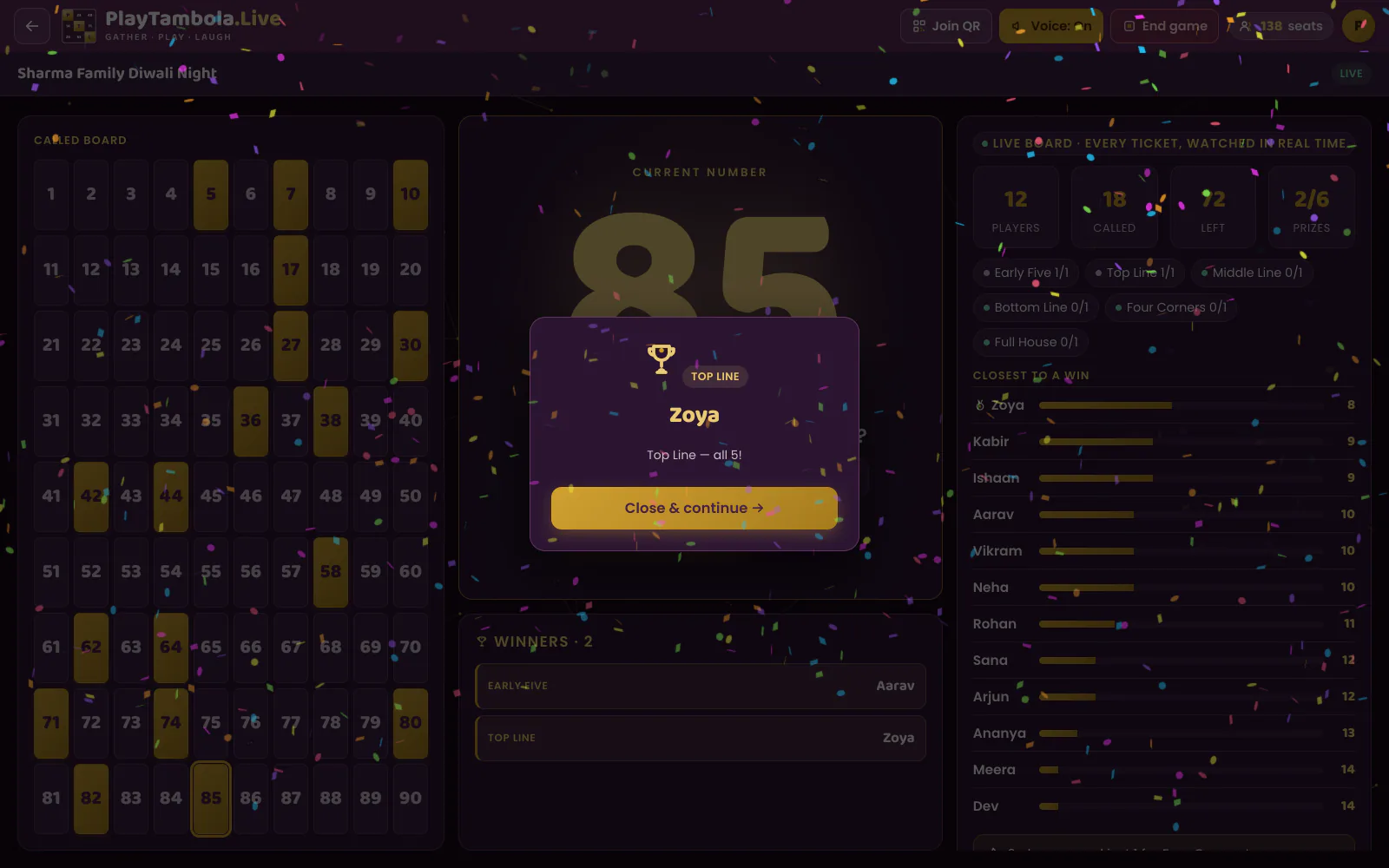
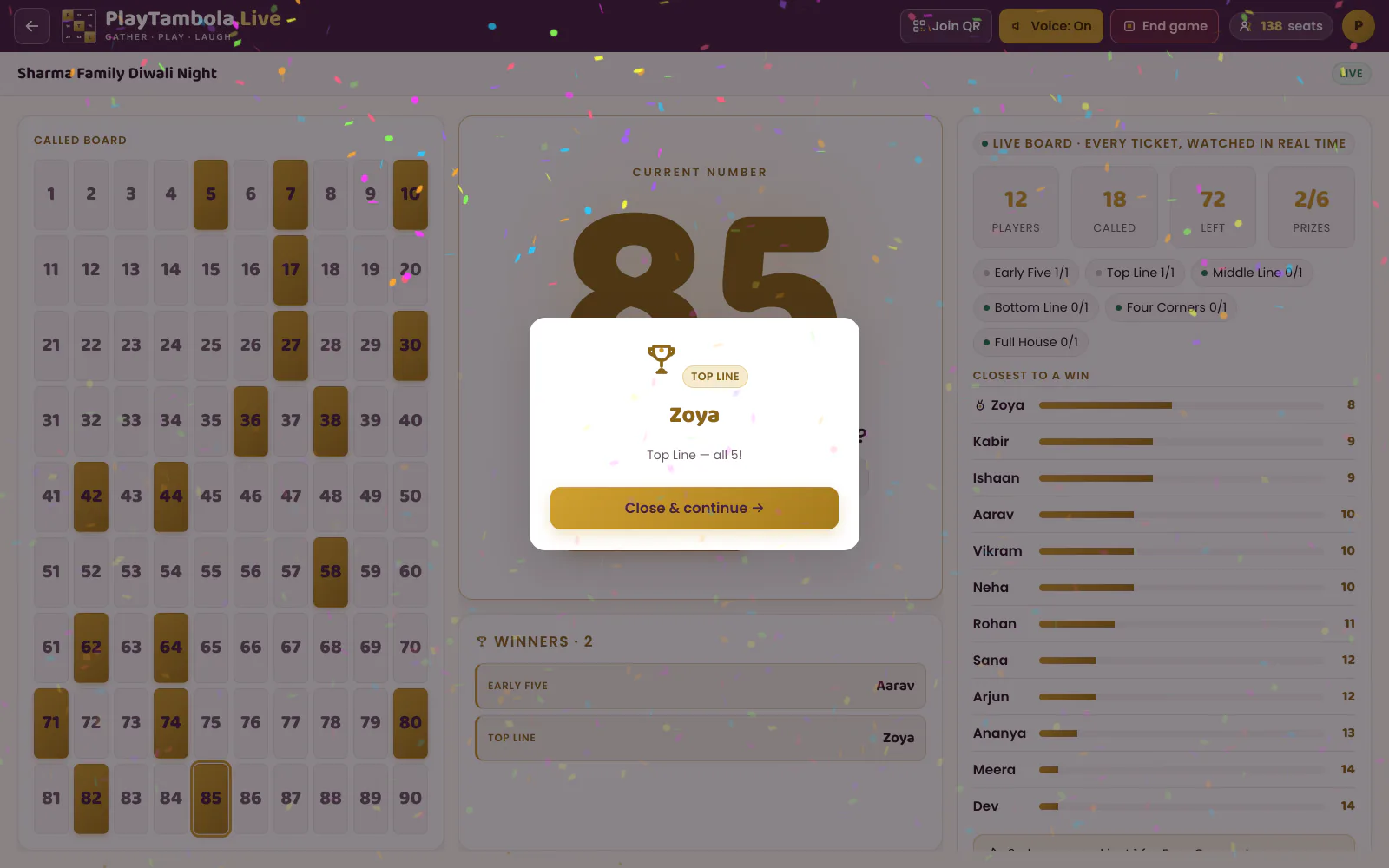
Celebrate winners automatically
Players tap numbers on their tickets; the server checks every win the moment a prize is complete. The big screen celebrates with confetti and a winner spotlight. Everyone who completes a prize on the same number wins together.
- Step 6 of 6
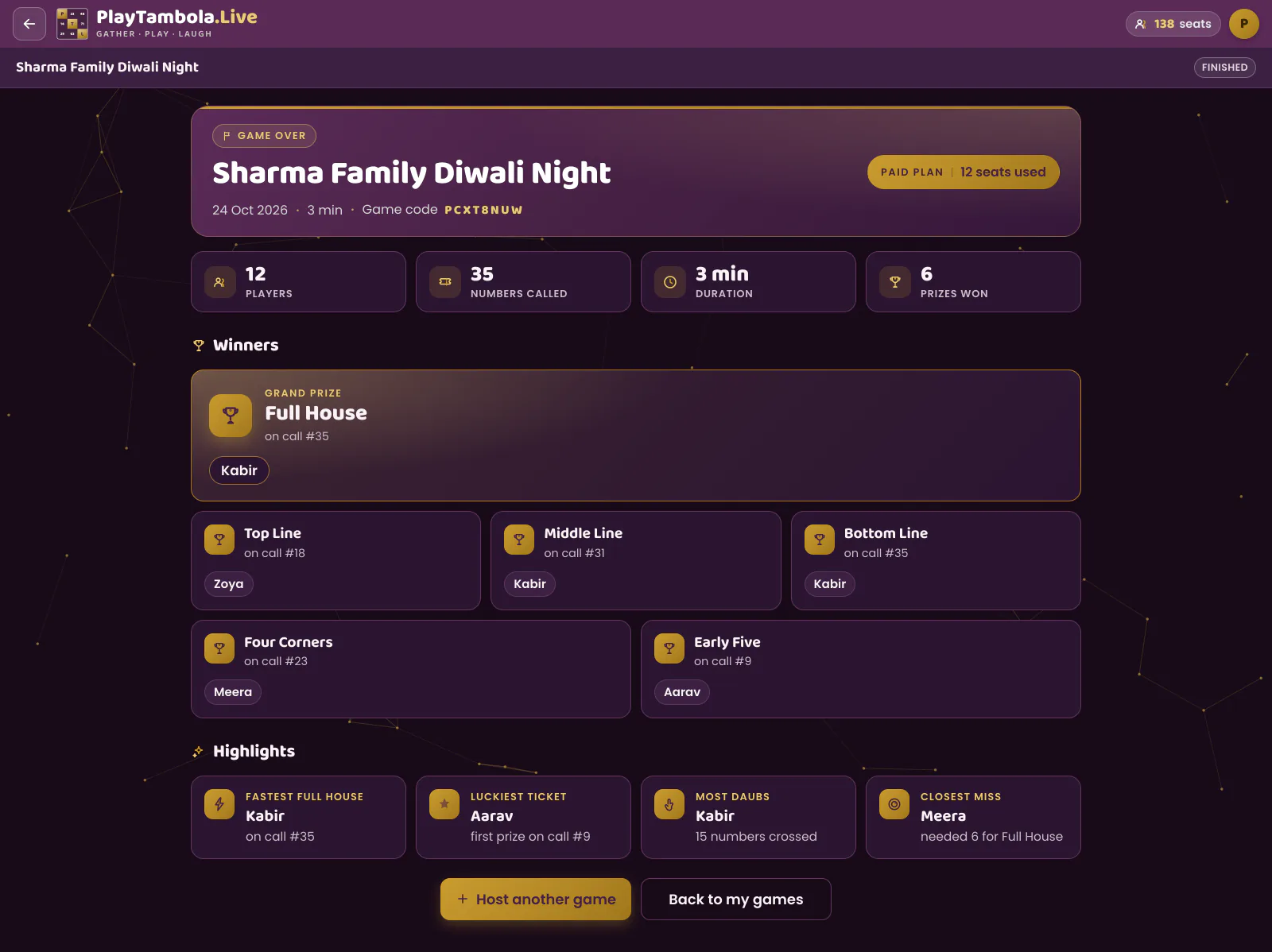
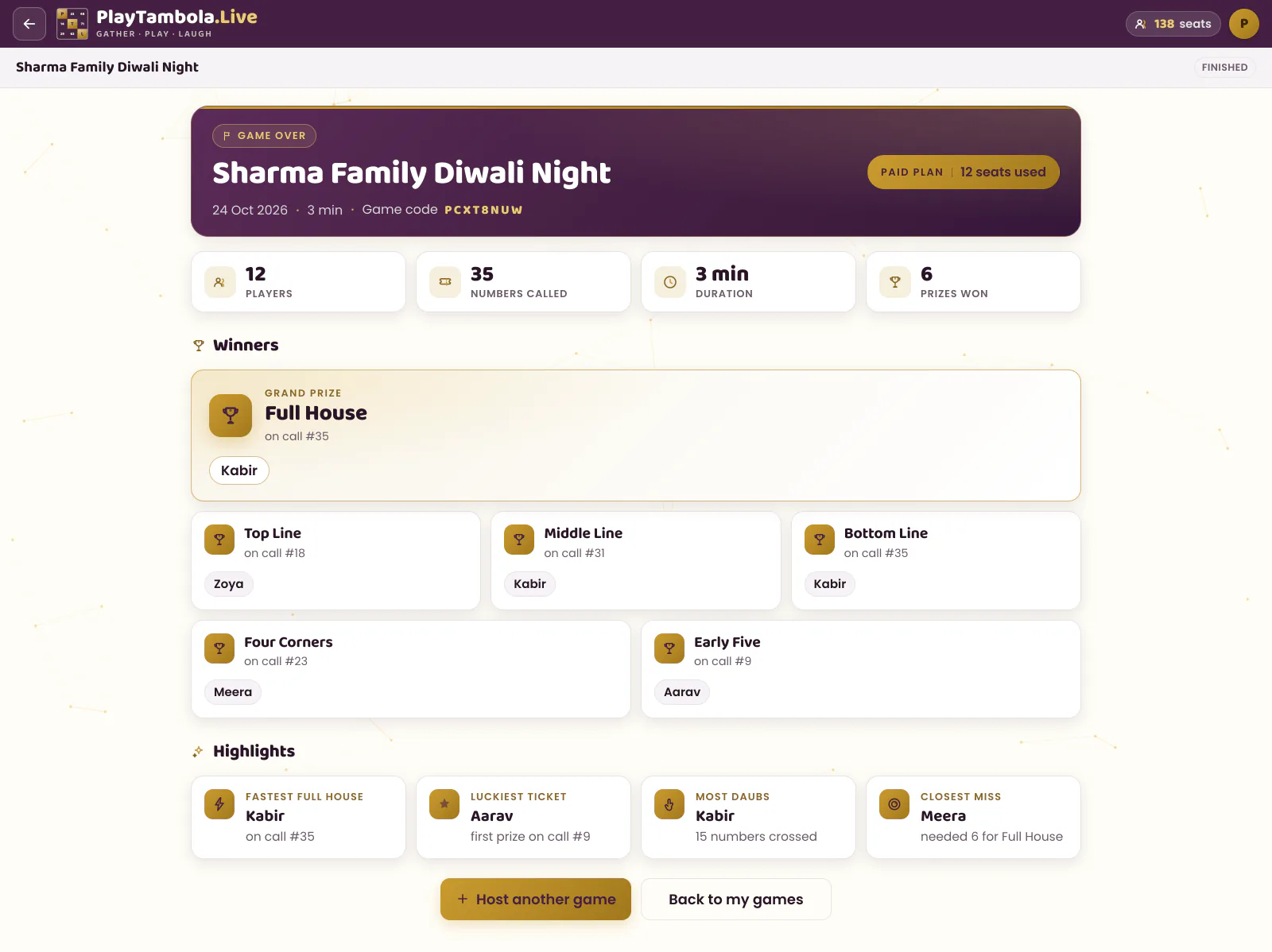
Wrap up with results
The results screen shows the winners of every prize plus highlights — Fastest Full House, Luckiest Ticket, Most Daubs and Closest Miss. Players can share a result link.
Watch a game
See a real game, start to finish
For players
No app. No login. Just a name.
Players use their phone’s web browser — nothing to download. That’s what makes it work for every guest at the event.
- 1
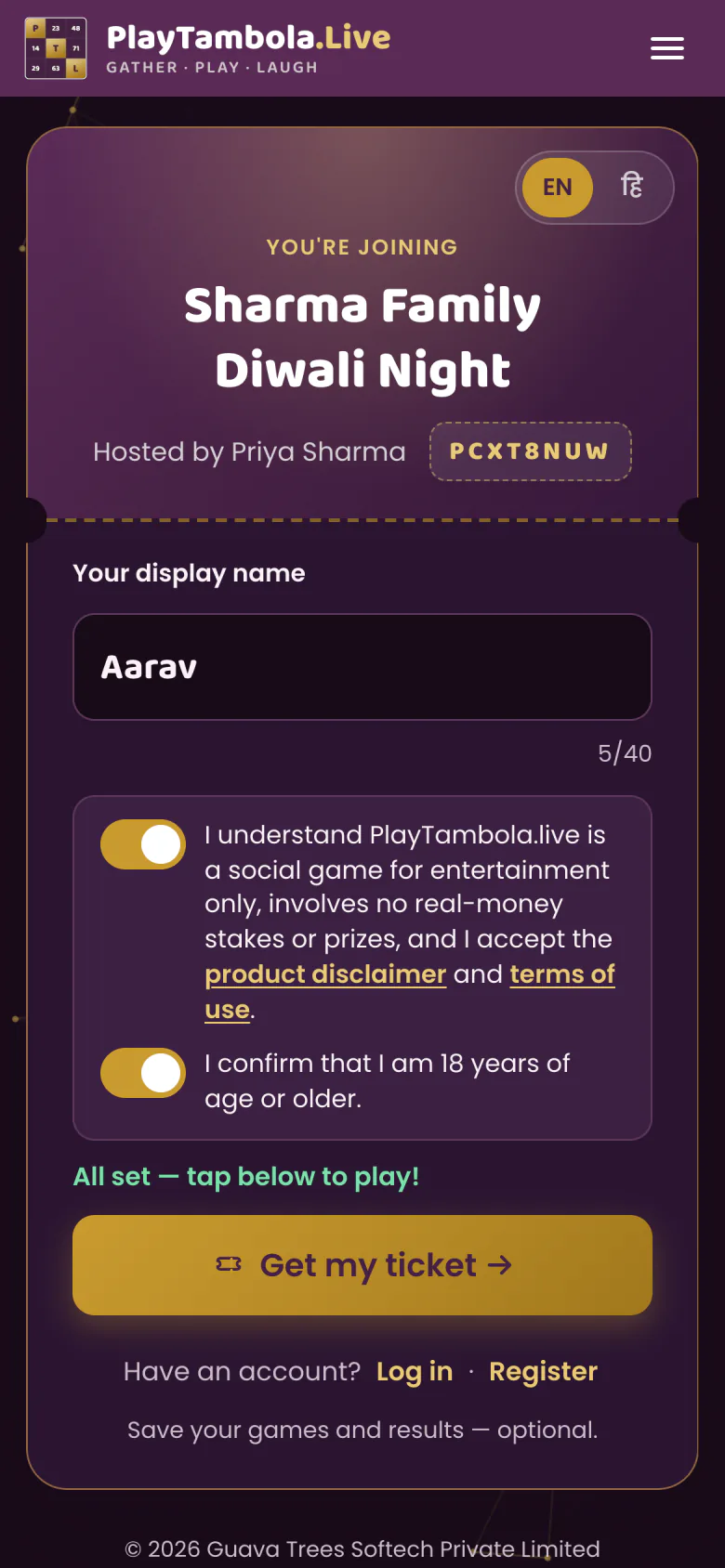
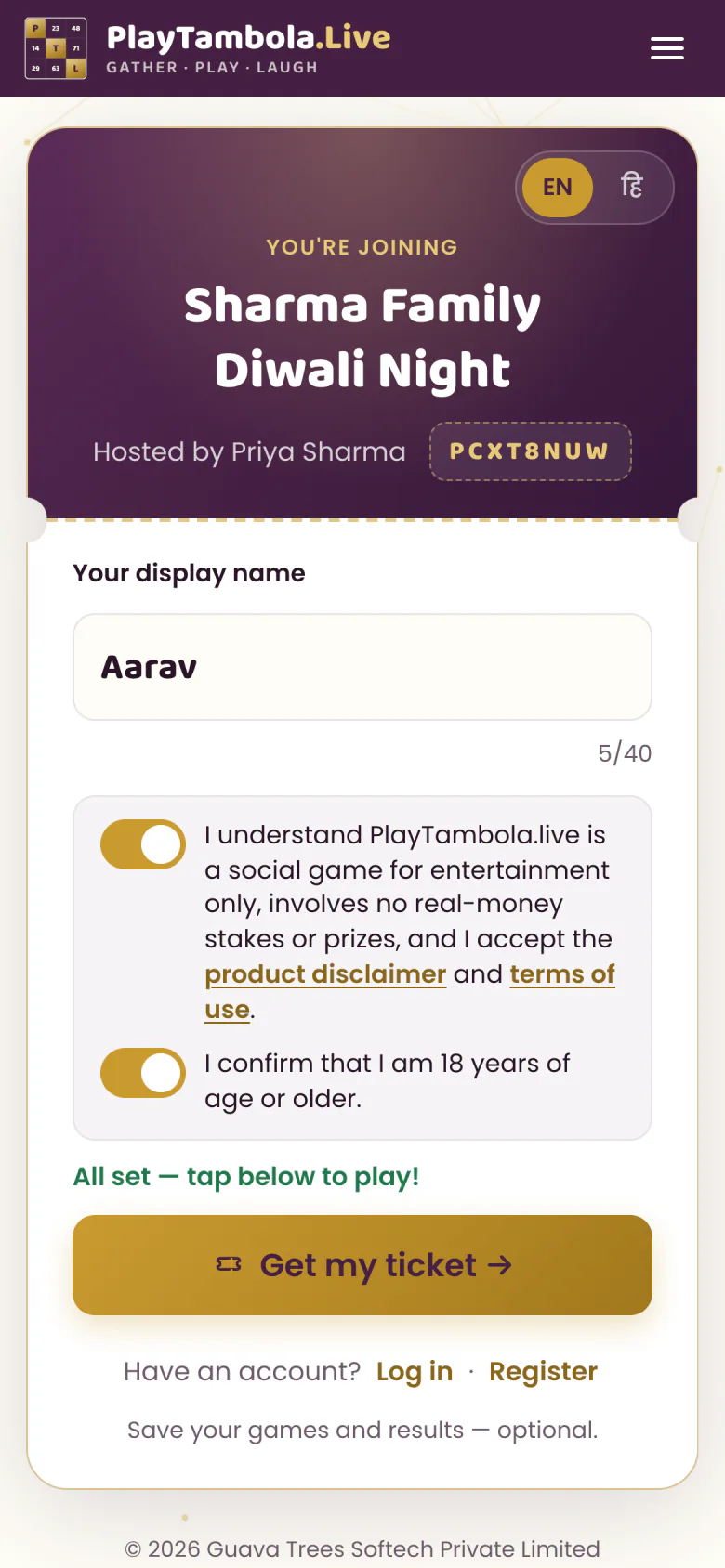
Scan or type the code
Scan the QR code on the big screen, or type the game code in the browser.
- 2
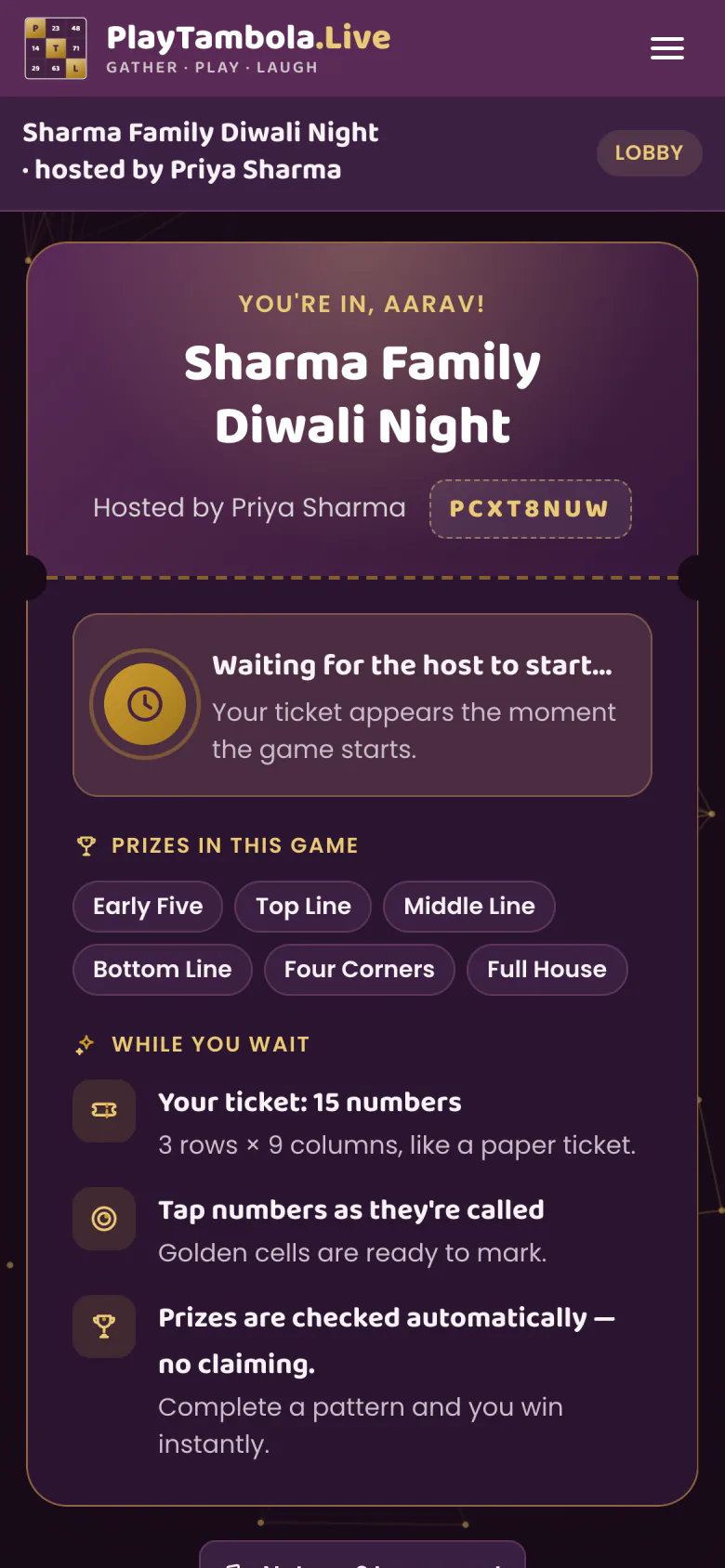
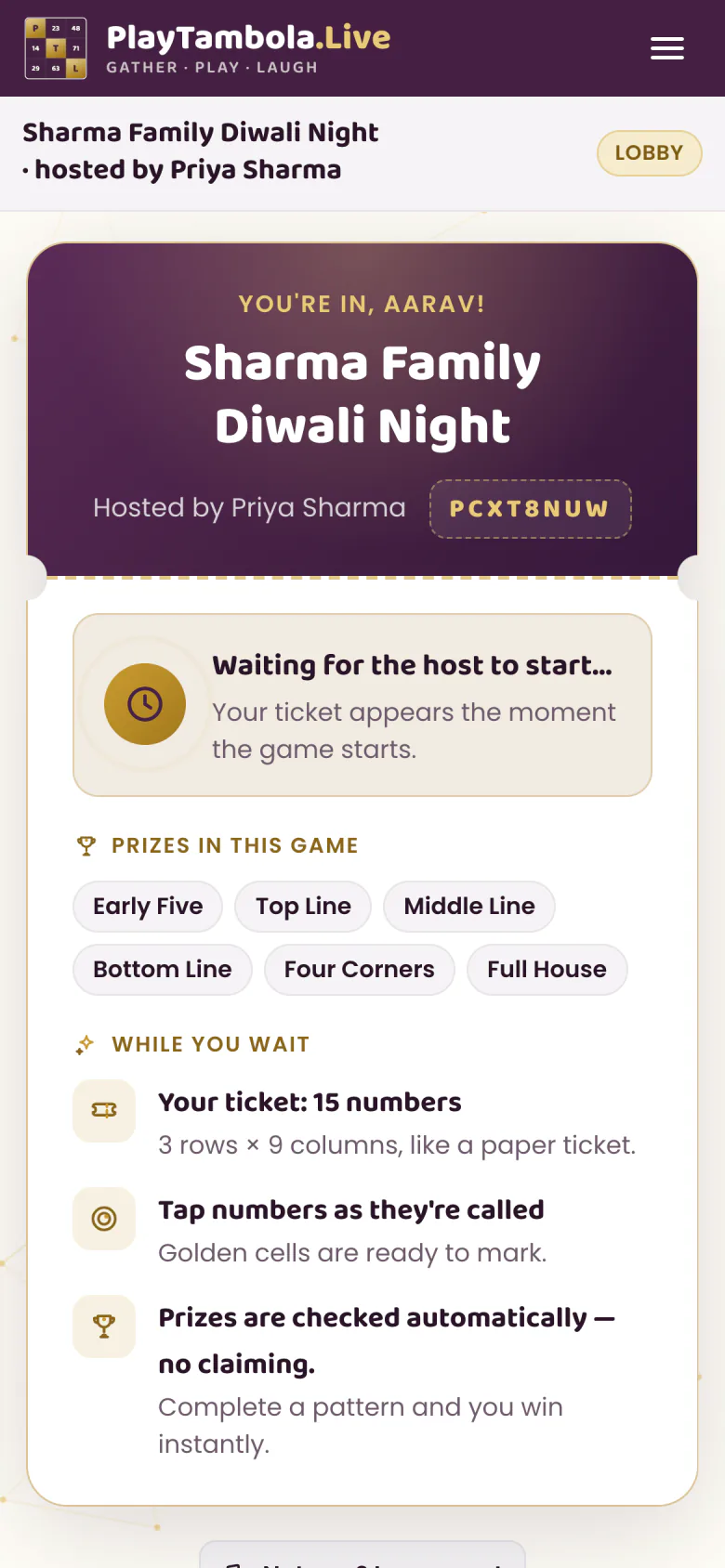
Enter a name, get a ticket
Each player gets a standard 3×9 tambola ticket — 15 numbers, 5 per row — generated by the server.
- 3
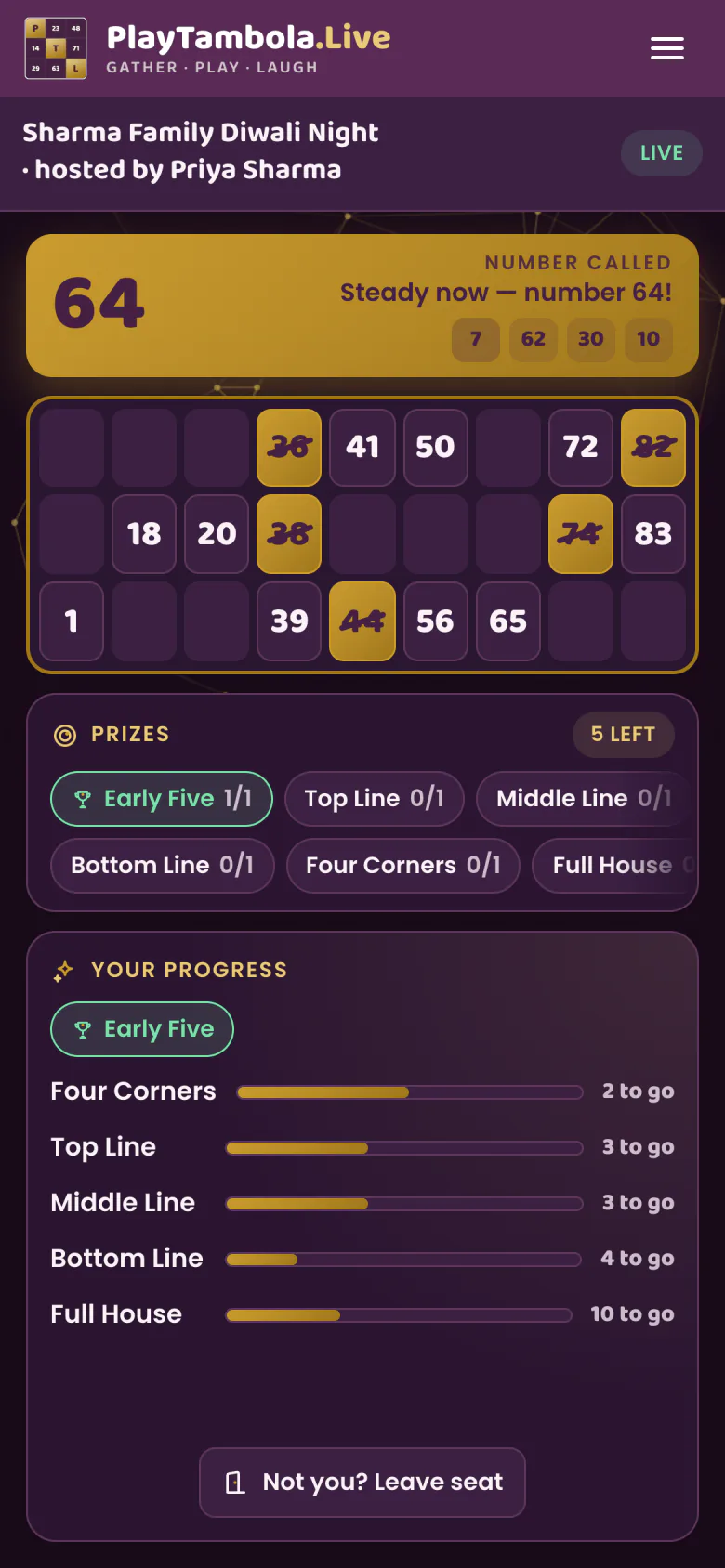
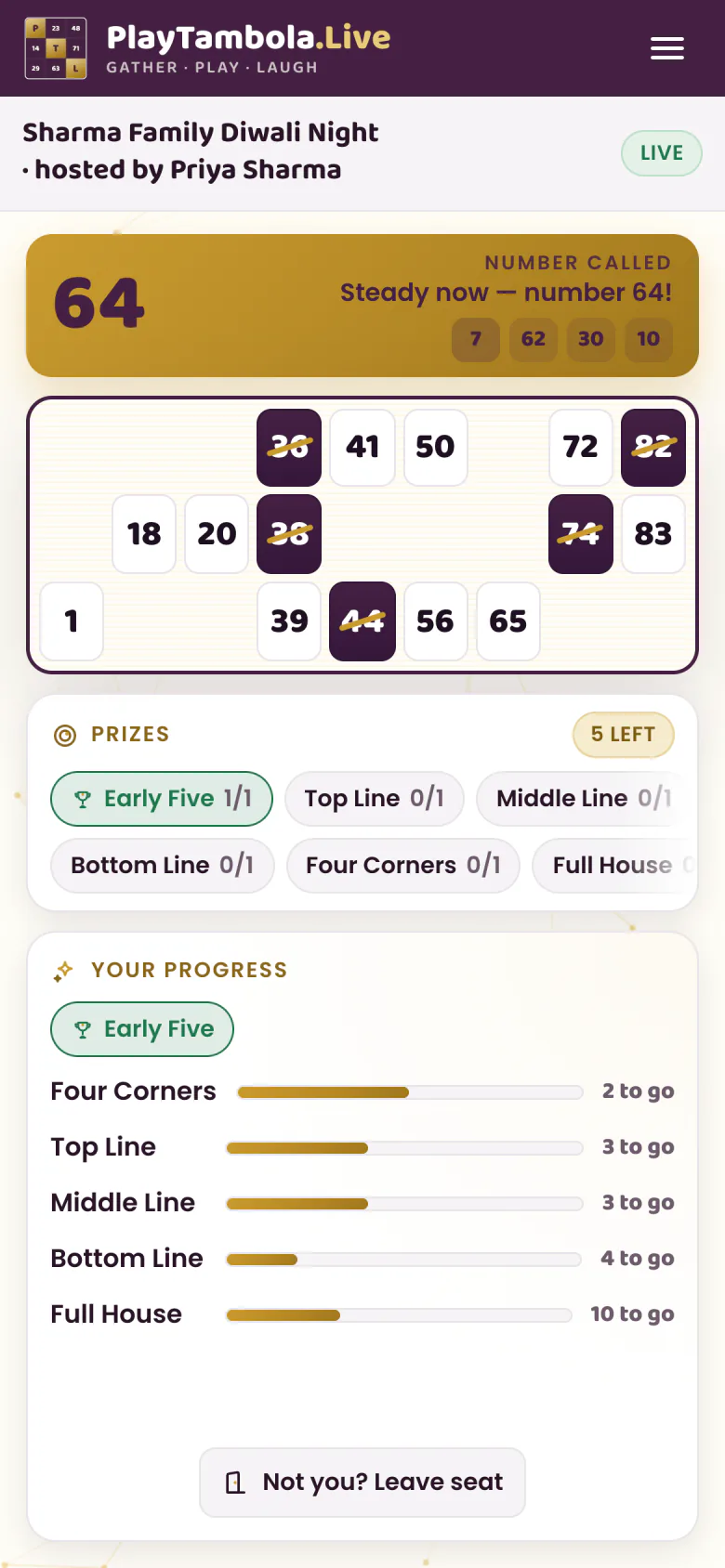
Tap numbers as they’re called
Only numbers that were actually called can be marked. Phones stay quiet — the big screen does the talking.
- 4
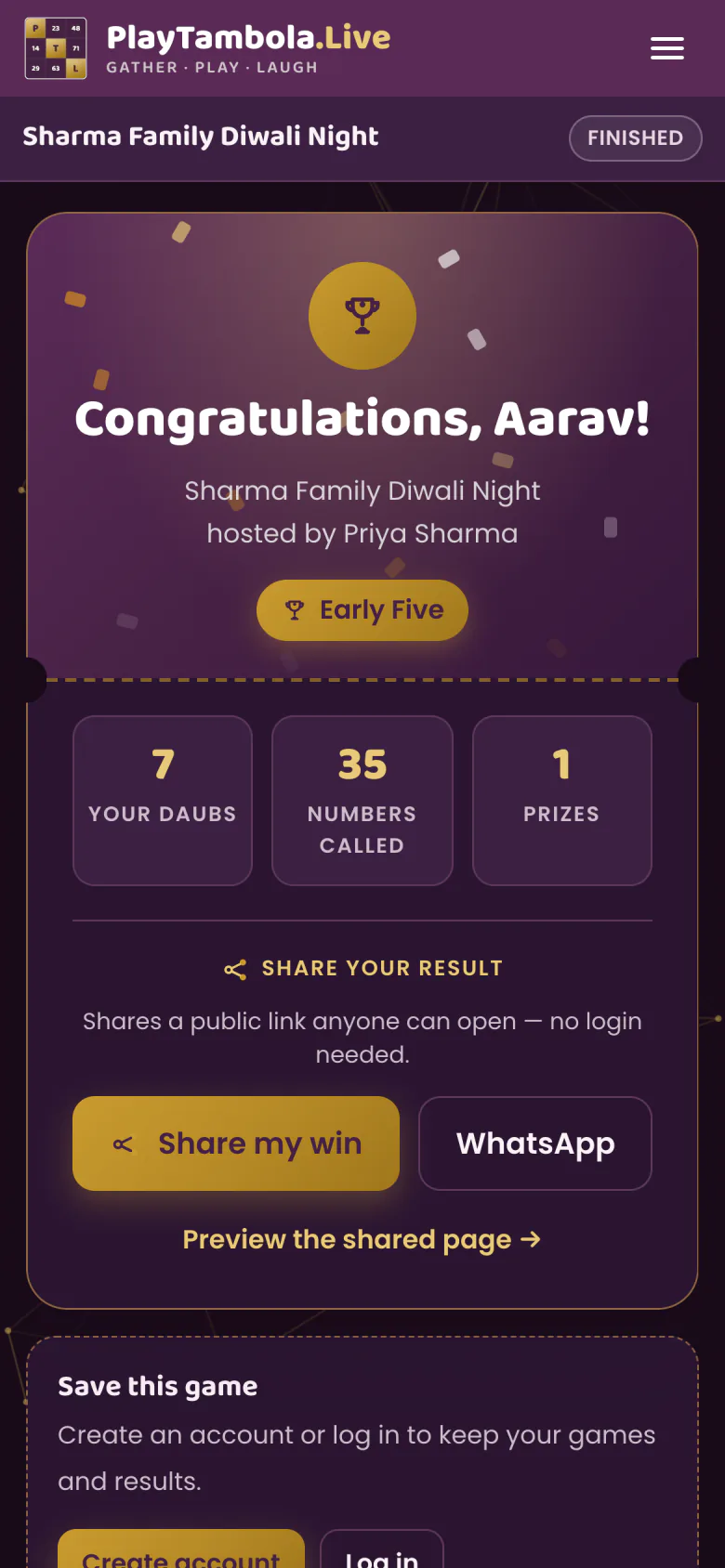
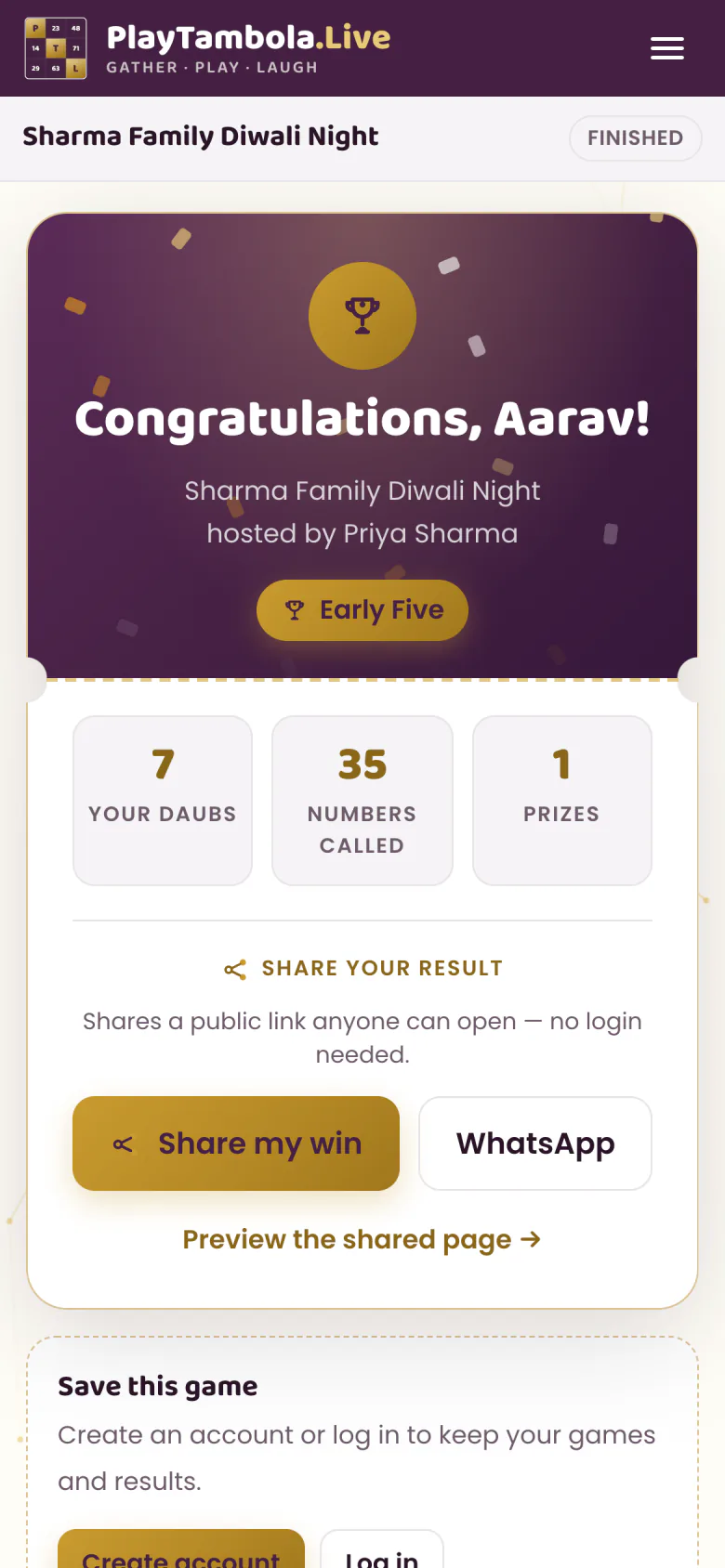
See who won
Wins are announced automatically — no shouting “Full House!”. Results and highlights appear at the end.
Why no app matters
- Nobody waits for a download over venue Wi-Fi
- Works on the phones your guests already carry
- No sign-up or login for players — just a name
Big-screen tips
Set up the big screen like a pro
Any big screen works
A TV, a projector or a laptop. Open the host view in the browser and go full screen so the number and board fill the display.
Cast or plug in
Connect a laptop with an HDMI cable, or cast the browser tab to a smart TV. Use the screen everyone in the room can see.
Turn the sound on
The big screen speaks every call with a witty caller line. Connect it to the venue speakers or a soundbar so the back of the hall hears it too.
Make joining easy
Leave the lobby with the QR code up while guests arrive. Anyone who can’t scan can type the game code instead.
Check the connection
The host screen and every player need internet — venue Wi-Fi or mobile data both work.
Let it start itself
Turn on auto-start so the game begins as soon as the number of players you set have joined.
Quick answers