For event organizers & party planners
The tambola round that runs itself
Planning a party, an office get-together or a celebration? PlayTambola.Live gives you a ready-to-play tambola for up to 200 guests: they join on their own phones by QR, the venue screen does the calling, and the server verifies every win while you run the rest of the event.
- Parties
- Corporate events
- Office get-togethers
- Celebrations
- Family get-togethers
Why organizers switch
Keep the fun. Lose the admin.
A tambola round is a guaranteed crowd-pleaser — until you are the one printing tickets and refereeing claims.
The headache
Printing tickets, handing them out and checking claims eats into your run-of-show.
With PlayTambola.Live
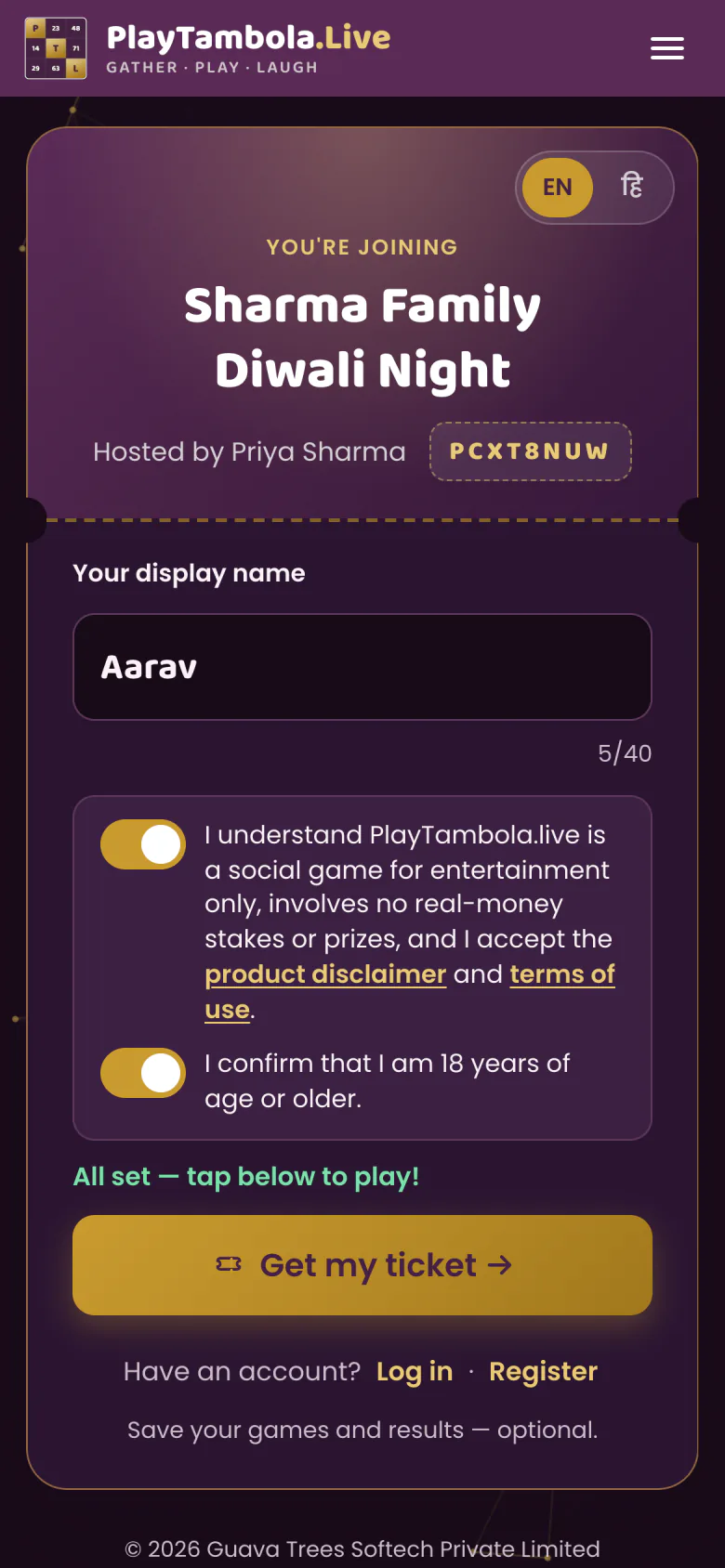
Create the game ahead of time and open the lobby. Guests join themselves by scanning the QR; the calling and the checking are done for you.
The headache
“Full House!” shouted from three corners of the room — and you have to decide.
With PlayTambola.Live
The server checks every ticket and records the win the moment a prize is completed. Same prize on the same number? They are co-winners. No judgement calls.
The headache
Half the room can’t hear the caller over the music.
With PlayTambola.Live
The big screen shows each number huge and speaks it aloud with a witty caller line, and every guest has the ticket right in their hand.
The headache
Paper, pens and a number bag to pack for every event.
With PlayTambola.Live
Nothing to print or carry. You need a screen for the host view, an internet connection, and guests with phones.
How it fits your event
From run-sheet to final call
Slot it in anywhere — as the ice-breaker, the post-dinner game or the grand finale.
Before the event
Create the game
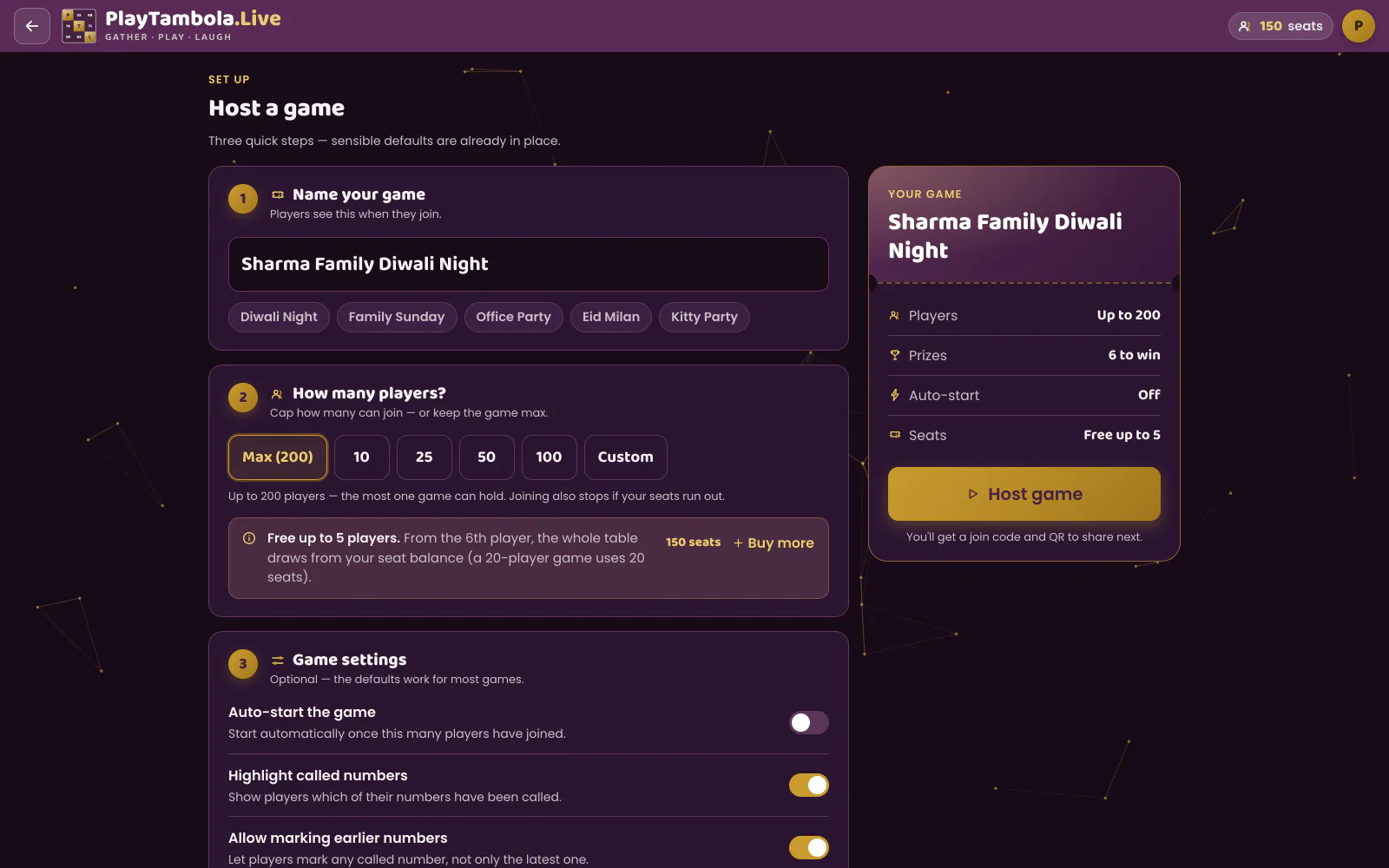
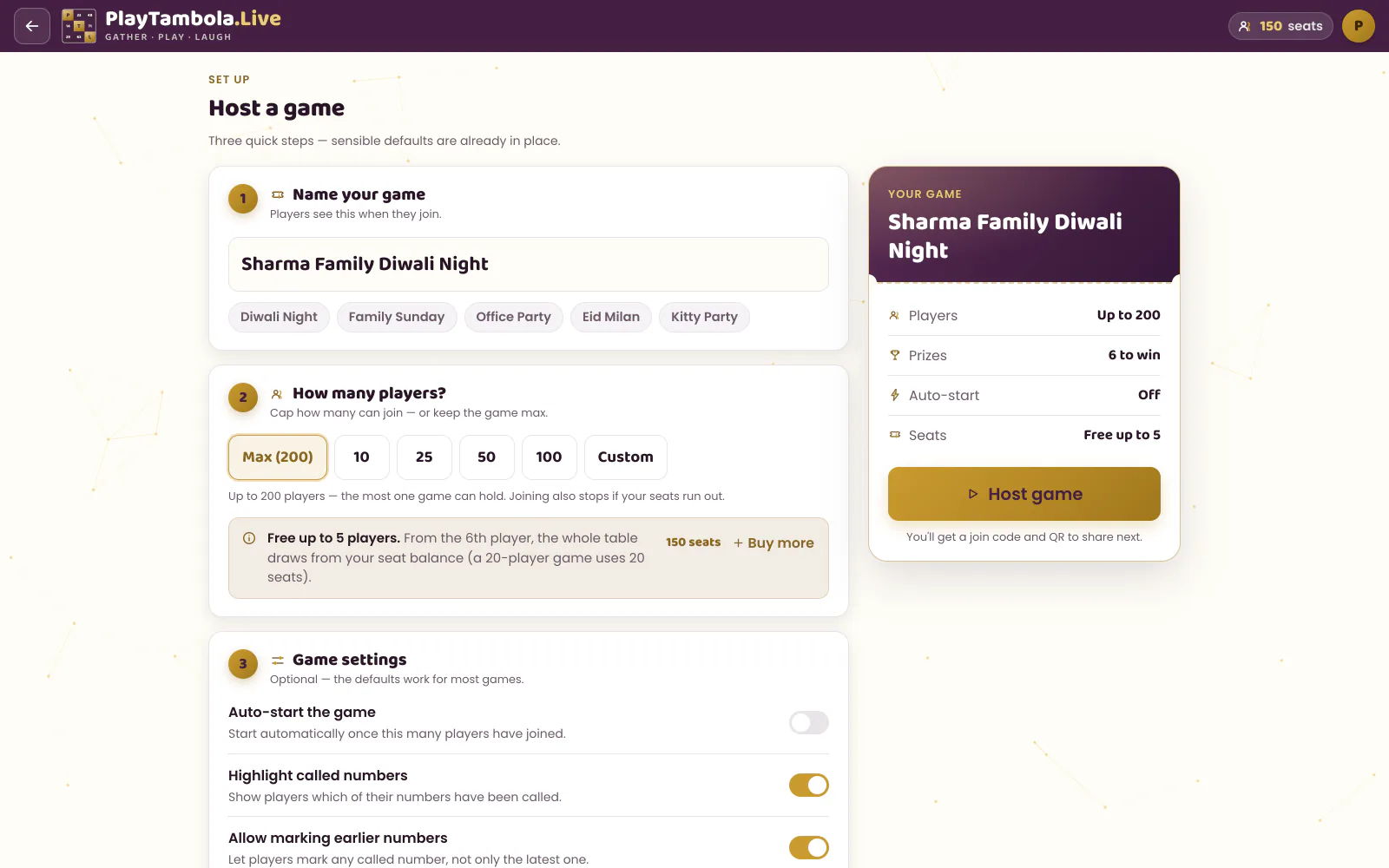
Sign up with email or Google, name the game, pick the prizes and set the capacity — a preset of 10, 25, 50 or 100, a custom number, or up to 200.
As guests settle in
Put the lobby on screen
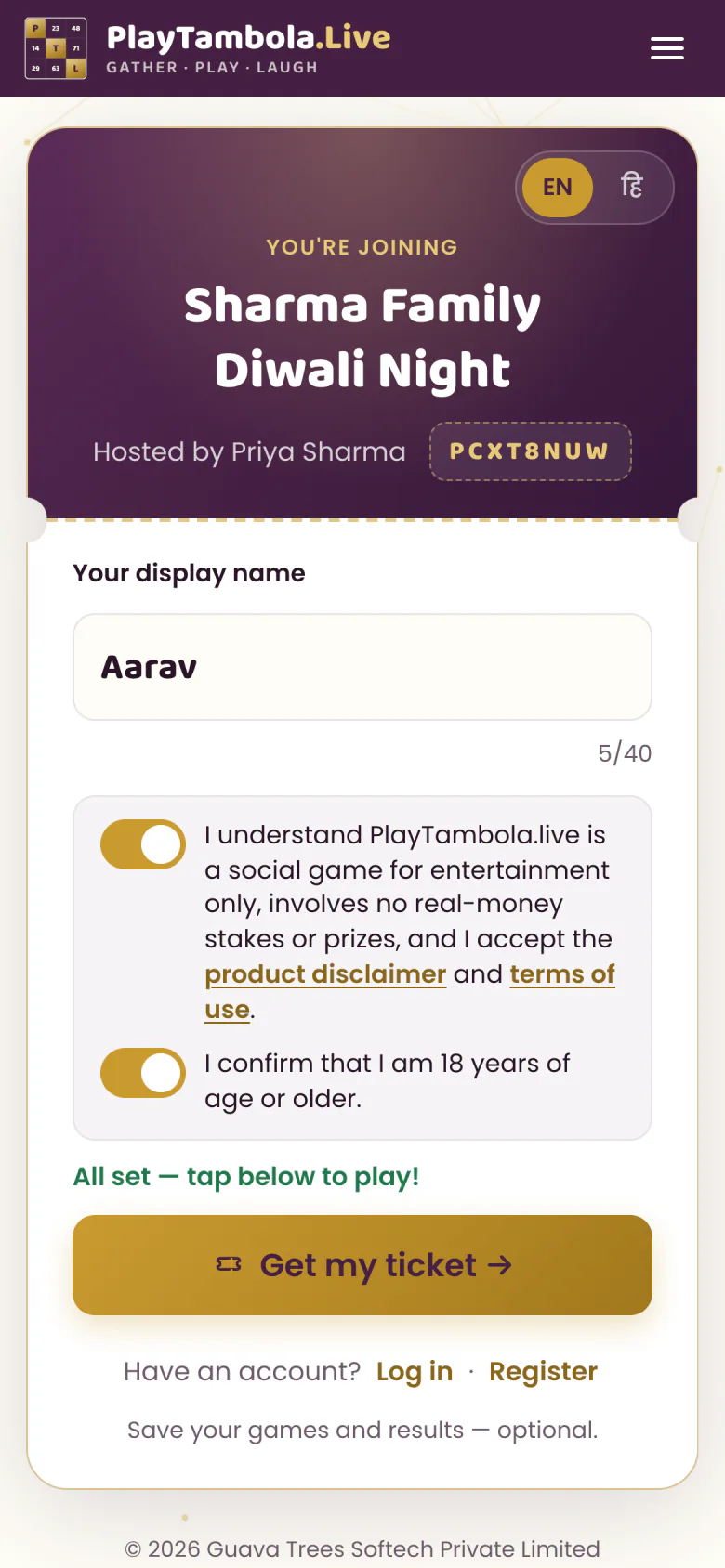
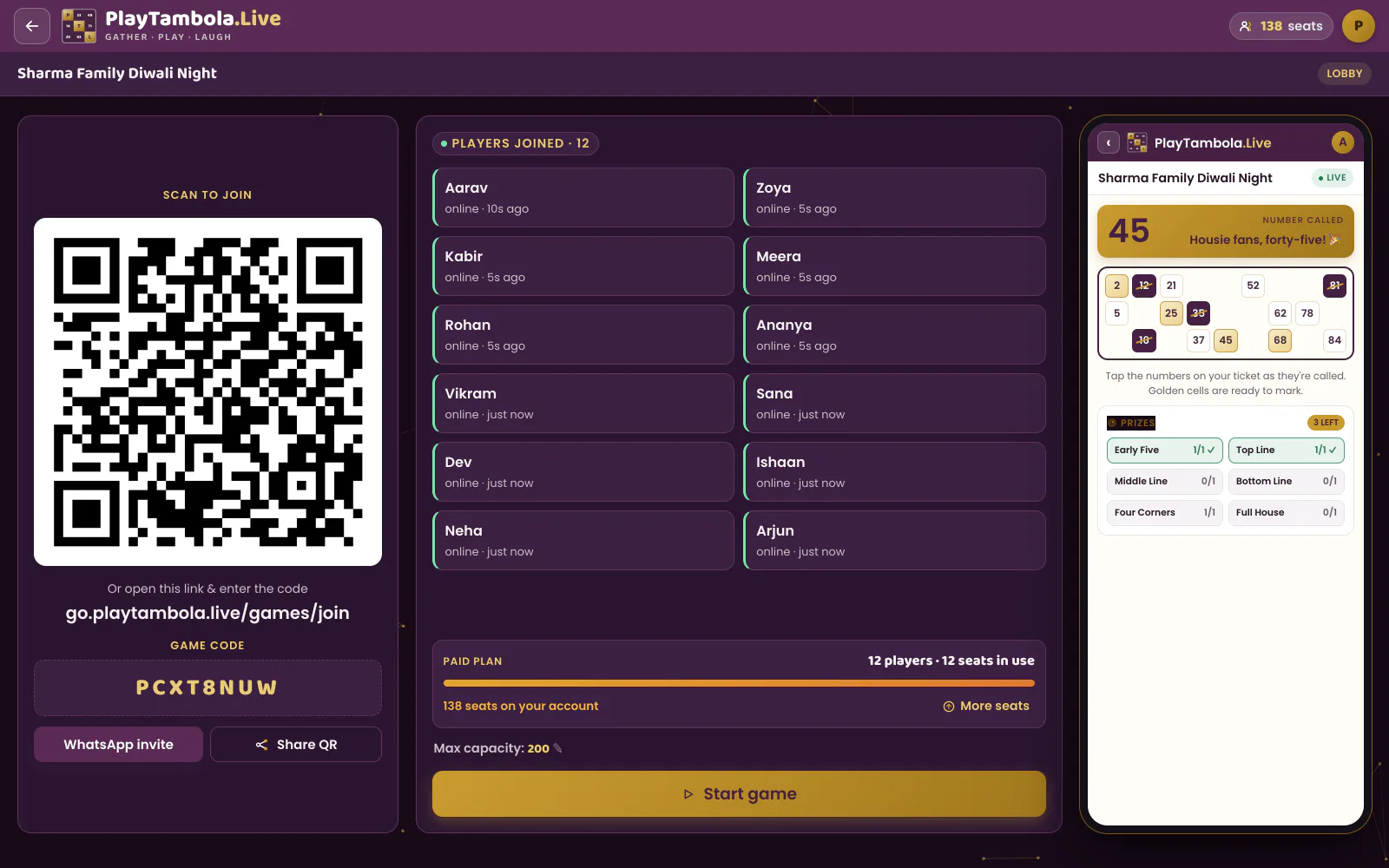
The join QR and game code go up on the TV or projector. Guests scan, type their name and appear on screen. Auto-start can begin the game once enough players are in.
Showtime
Let the screen call it
Numbers are drawn at random from 1–90, animated and spoken aloud. The tension meter shows how many players need just one number.
The finale
Celebrate and wrap
Every winner gets the confetti spotlight. The results screen shows each prize plus highlights like Fastest Full House, and guests can share a result link.
The moment the room comes together
Your whole crowd, on one screen
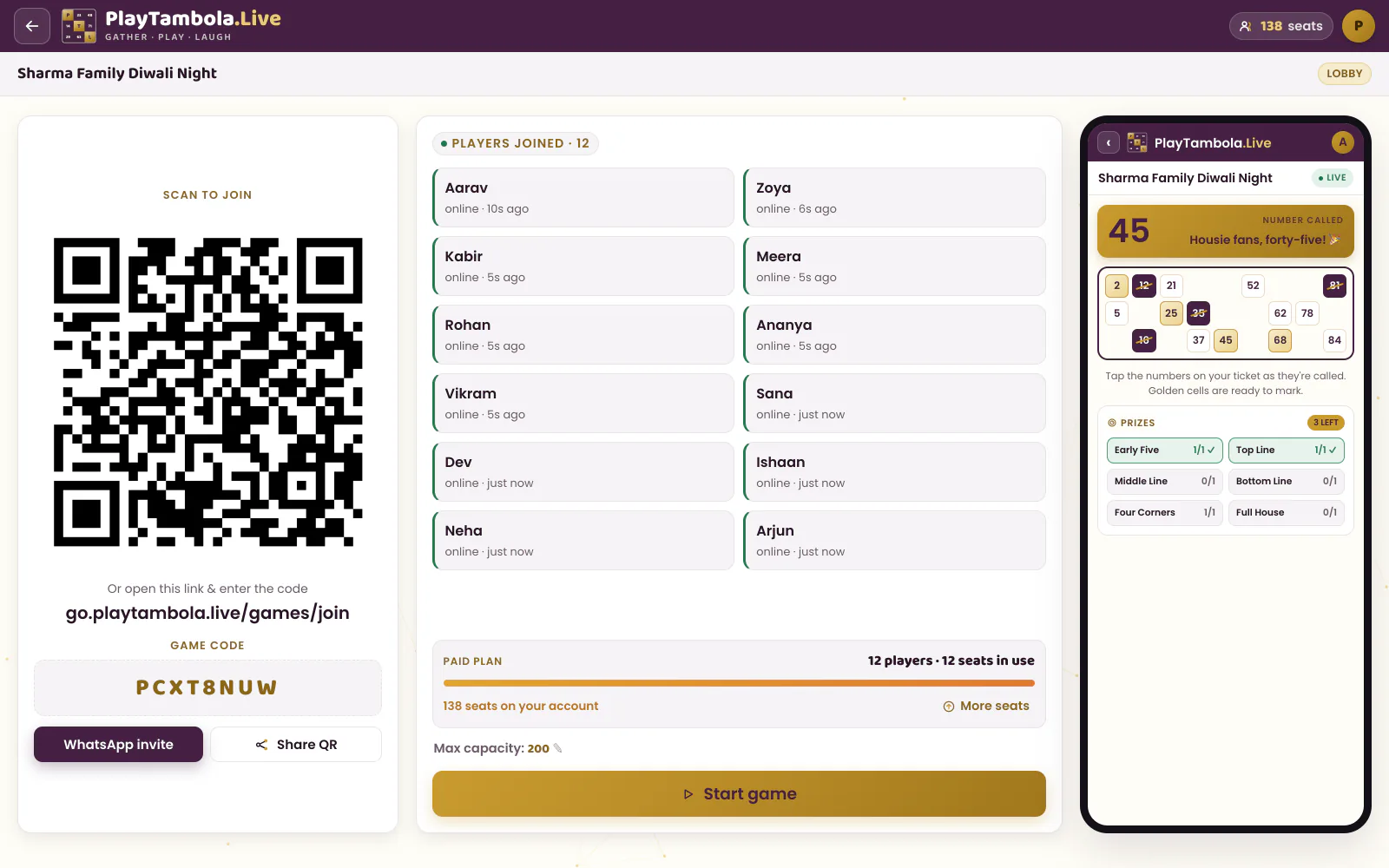
The lobby is where the energy starts: a big join QR, the game code, and guest names popping up as they join. You can see at a glance when the room is ready.
- Guests join from any phone browser — no app, no login
- A capacity setting keeps the game the size of your guest list
- Start it yourself, or let auto-start do it
What it costs
A 100-guest office party
100 players use 100 seats. The Value bundle covers it with 50 seats left over for your next event — and seats never expire.
Games with up to 5 players are free — every feature included.
See all bundles & examplesOne game, 100 players
- Players
- 100
- Games
- 1
- Seats needed
- 100
Best-fit bundle
Value150 seats · ₹449+ 18% GST
Left for next time: 50Seats never expire
Organizer FAQ