
Virtual tambola · Zoom, Teams & Meet
Virtual tambola for teams on a video call
Yes, you can play tambola online over a video call. The host shares PlayTambola.Live’s big-screen view on Zoom, Microsoft Teams or Google Meet with sound on, and everyone plays on their own phone — you call each number with one tap and the server picks it and checks every win, wherever your players are.
- Remote & hybrid teams
- Families in different cities
- Zoom · Teams · Meet
- Up to 200 players
- English & हिन्दी
Why it works remotely
One screen share, everyone in the game
Running tambola on a call usually means a host reading numbers out and everyone checking their own paper. Here is what changes.
The headache
Remote players can’t see a board or a caller.
With PlayTambola.Live
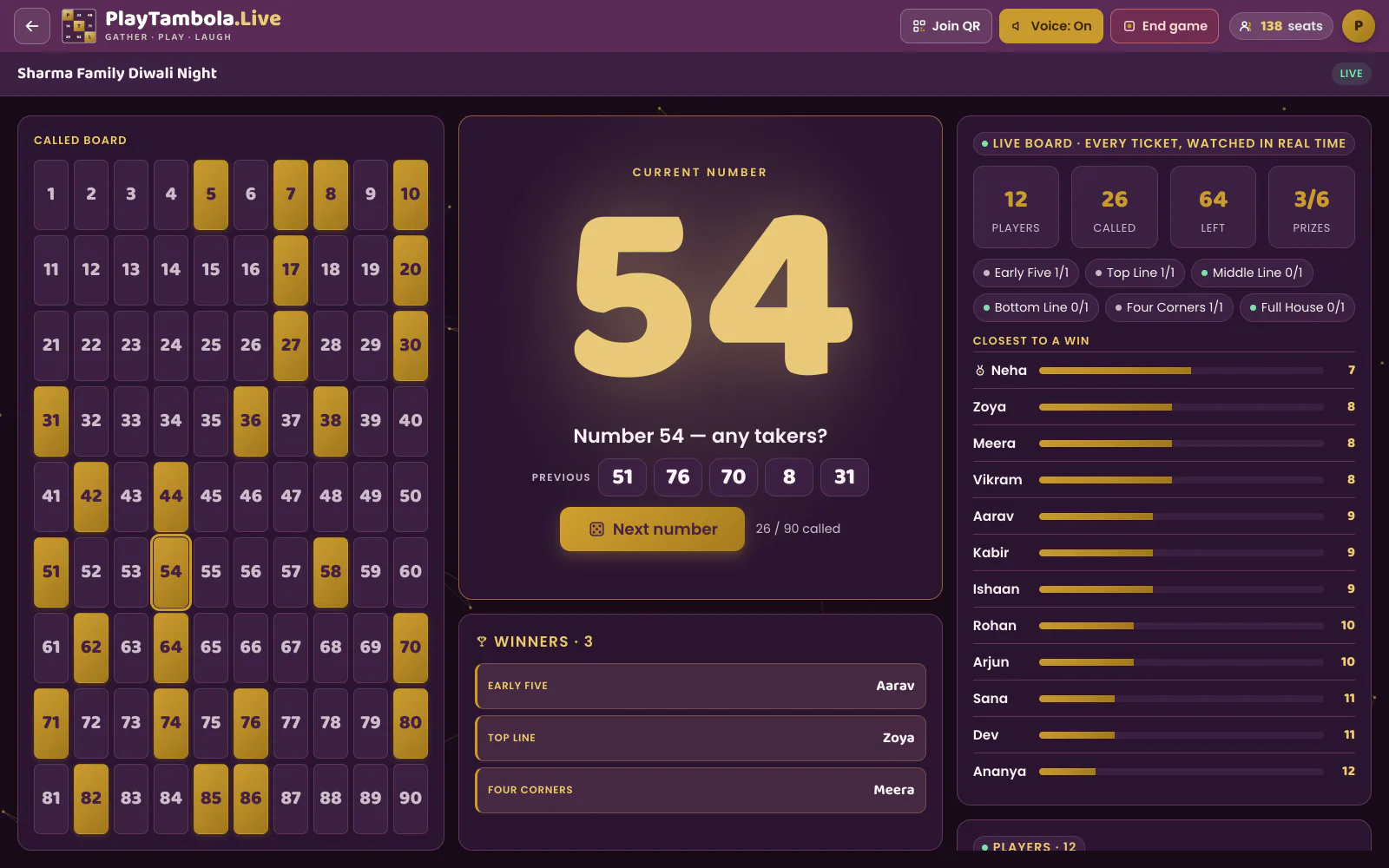
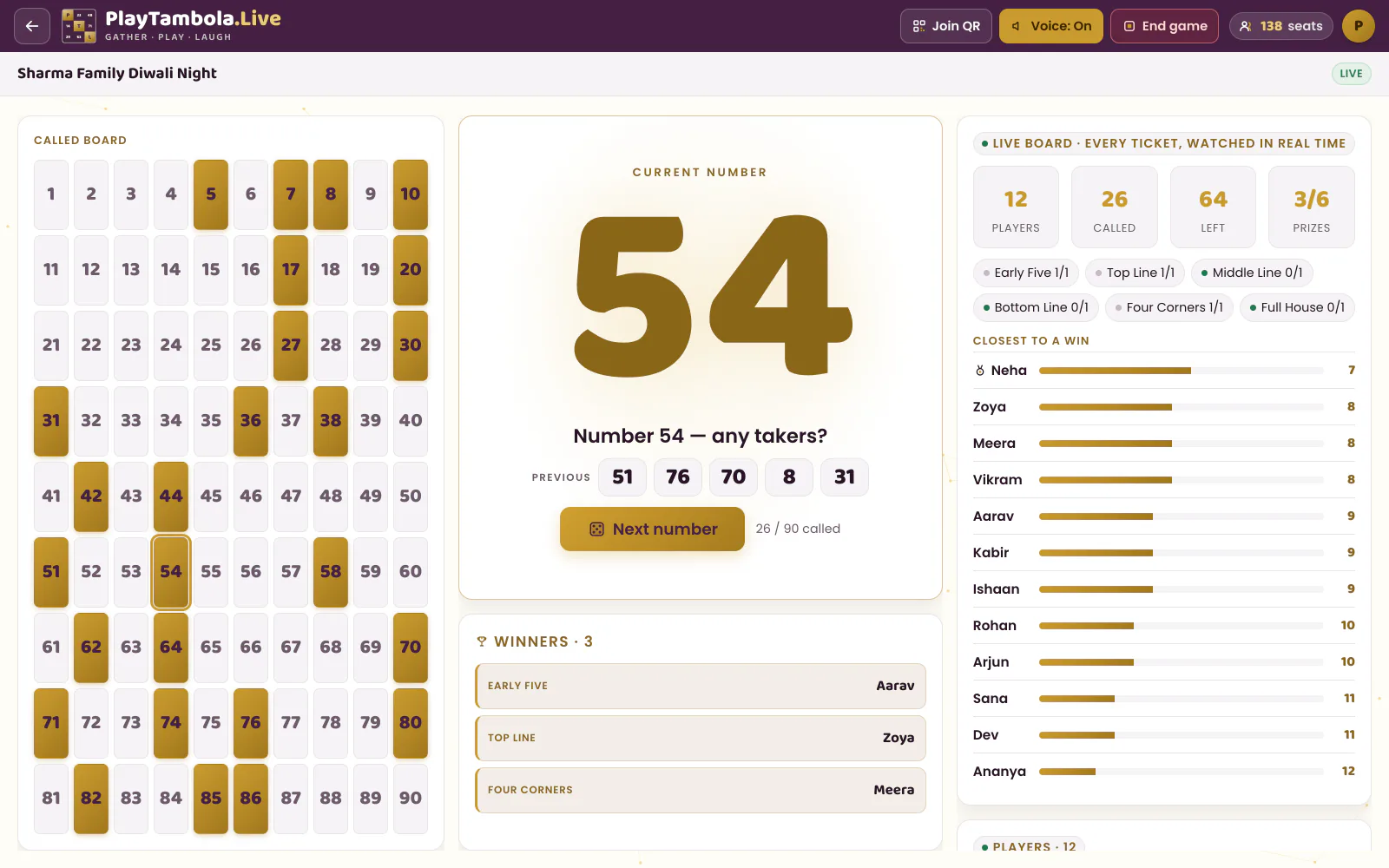
Share the host’s big-screen view on the call. Every number shows up huge on everyone’s screen as it is called.
The headache
Reading numbers aloud on a call is slow and easy to mishear.
With PlayTambola.Live
The caller speaks every number with a witty line in English or Hindi — share your screen with computer sound on and the whole call hears it.
The headache
Getting tickets to people in different places.
With PlayTambola.Live
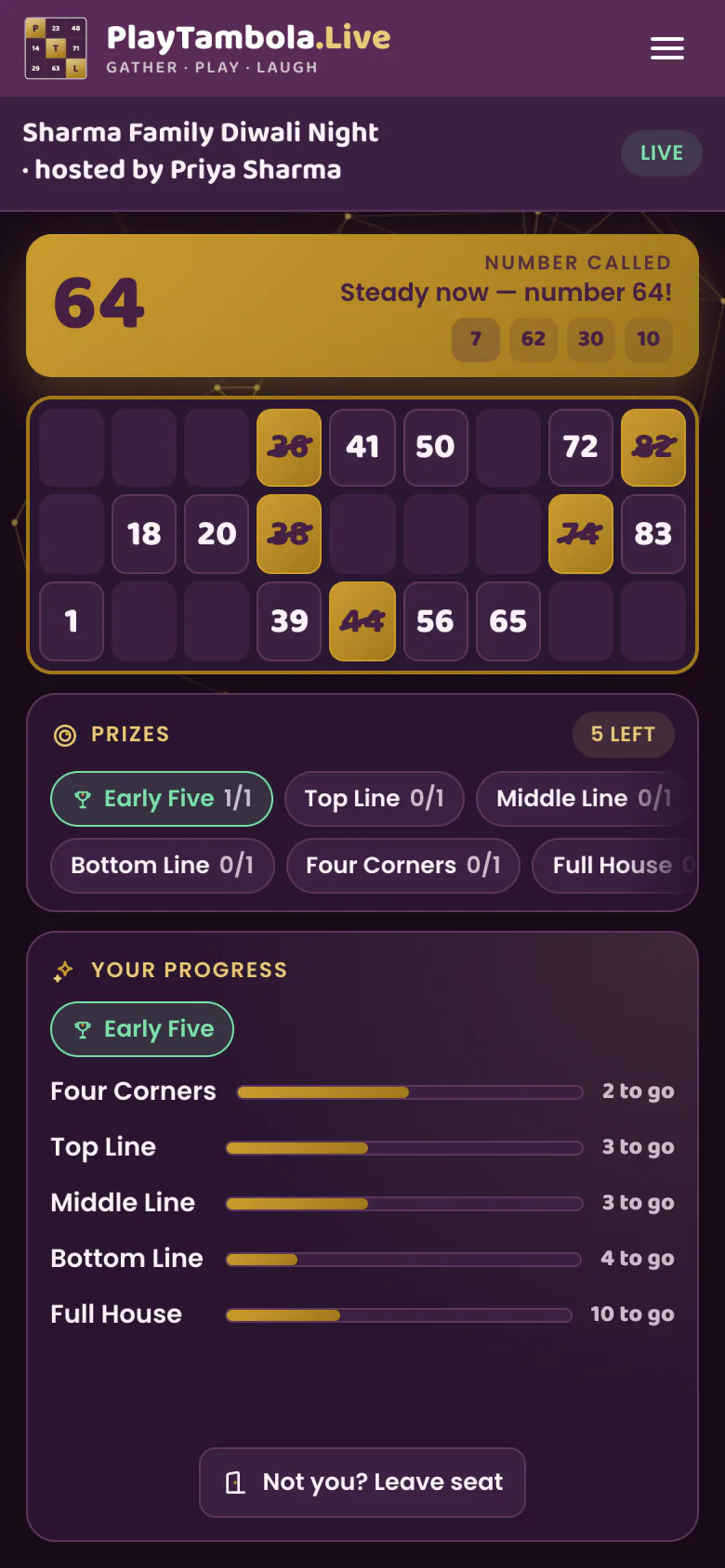
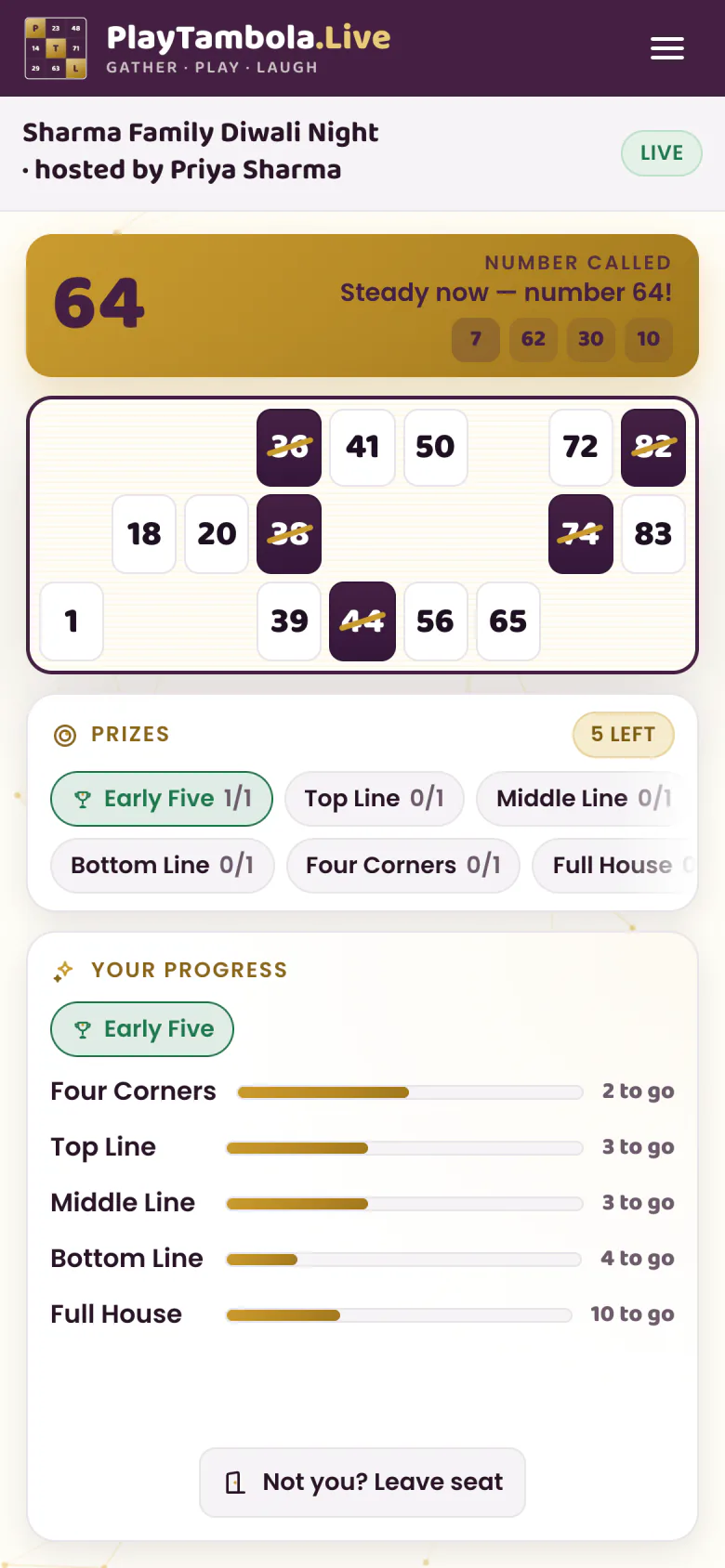
Players scan the QR code or type the game code from the shared screen and get a ticket on their own phone — no app, no login, just a name.
The headache
Nobody can check a claim made through a webcam.
With PlayTambola.Live
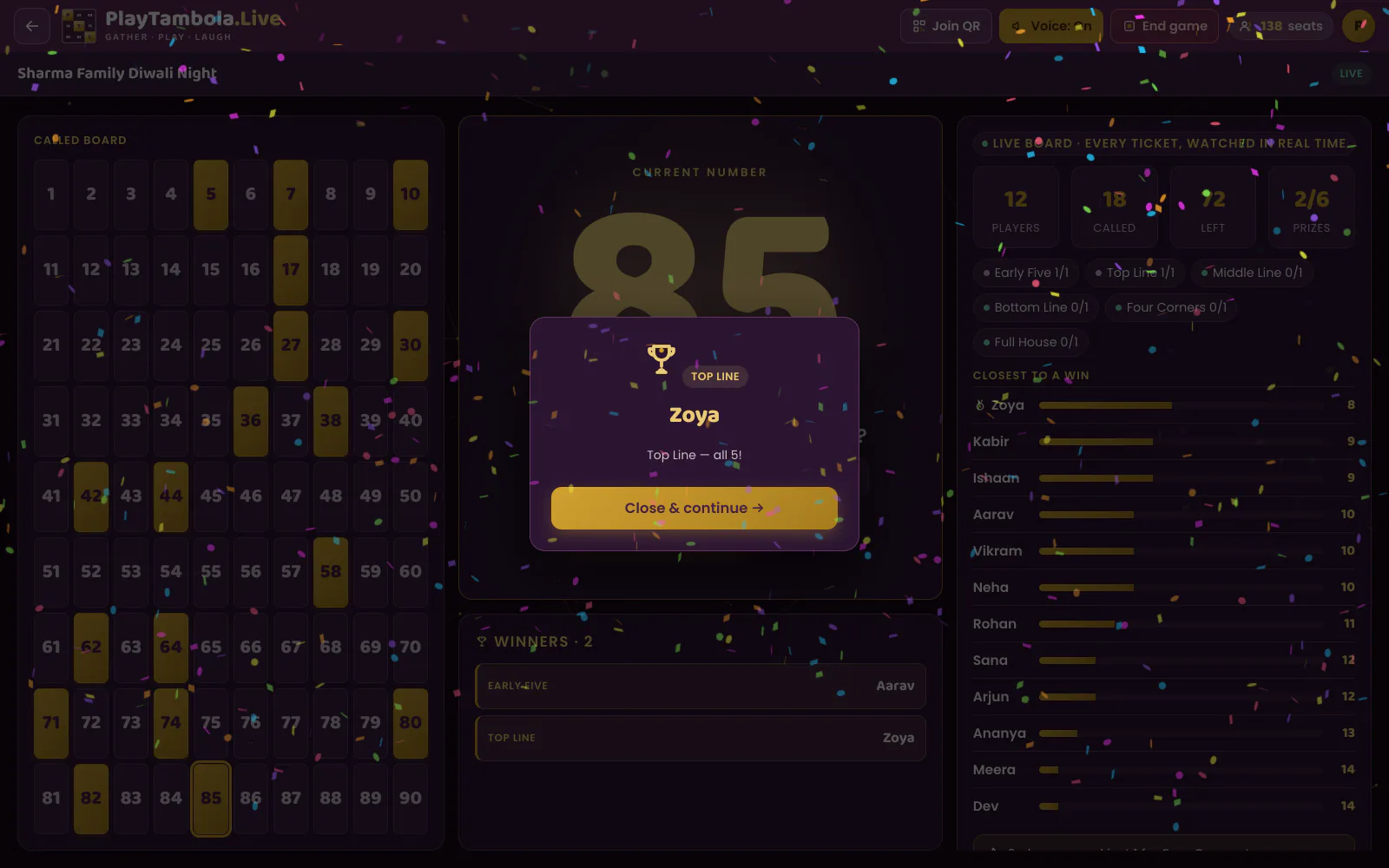
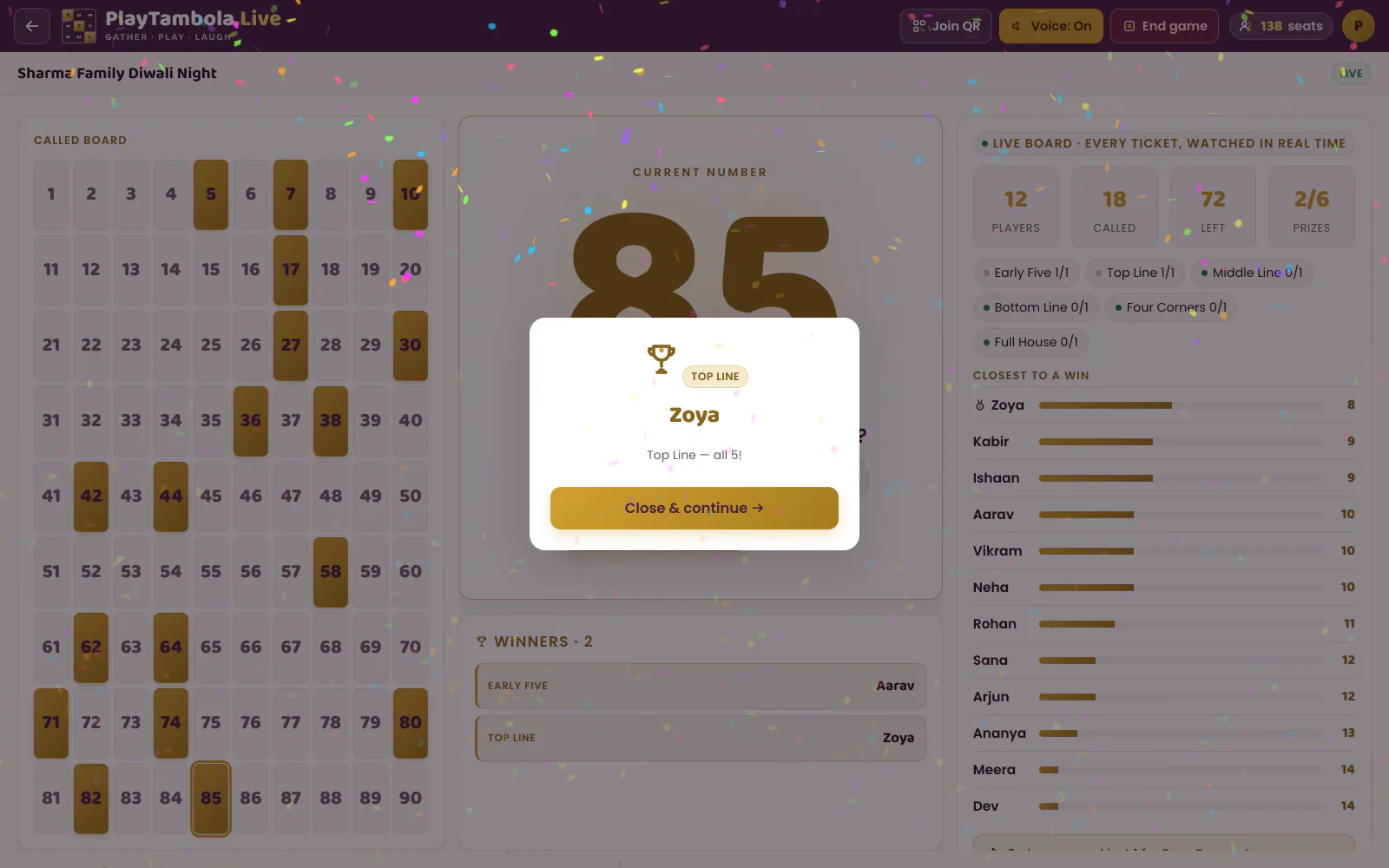
The server checks every ticket and announces winners on the shared screen. Same prize on the same number? Co-winners.
Your call, step by step
From “can you hear me?” to Full House
Works in a team meeting slot, a virtual offsite or a family call across cities.
Before the call
Create the game
Sign up with email or Google, name the game, choose the prizes and set the capacity for everyone invited.
Call starts
Share the big screen with sound
Open the host view and share that screen on Zoom, Teams or Meet with computer sound turned on, so the caller can be heard.
Players join
Join from the shared screen
Players scan the QR code or type the game code on their phones and appear in the lobby on the shared screen.
Game time
Play and celebrate
Numbers are called at random from 1 to 90, the server checks every win, and each winner gets confetti and a spotlight on everyone’s screen.
The moment the call unmutes
A spotlight every screen can see
When the server confirms a win, the shared screen celebrates it with confetti and the winner’s name — and the results screen at the end lists every prize. Planning gifts for winners? That part is yours: decide how you will get them to remote players.
- 8 prize categories, each winnable more than once
- Co-winners when a prize completes on the same number
- Result links players can share in the team chat
What it costs
A 30-person remote team game
30 players use 30 seats. The Popular bundle covers it with 20 seats left over for the next session — and seats never expire.
Games with up to 5 players are free — every feature included.
See all bundles & examplesOne game, 30 players
- Players
- 30
- Games
- 1
- Seats needed
- 30
Best-fit bundle
Popular50 seats · ₹229+ 18% GST
Left for next time: 20Seats never expire
Virtual tambola FAQ
Virtual tambola questions
Can you play tambola on Zoom, Teams or Google Meet?
Do players need to install anything?
How do remote players hear the numbers?
How do winners get their prizes?
What does a 30-person remote game cost?
Is virtual tambola on PlayTambola.Live gambling?
Keep exploring
Other crowds that play
Corporate tambola
Office parties, team events, offsites and celebrations.See howCommunities & societies
RWAs, clubs, associations and cultural groups.See howKitty parties
Monthly kitties and friends’ get-togethers.See howWedding planners
Sangeet, mehendi and family functions.See howResorts & hotels
Guest activity evenings, week after week.See how
All features How it works Pricing Tambola rules & prizes Tambola number caller Free printable tickets